


EAP725-WALL - TP-Link EAP725 Wi-Fi 7 BE3600 Wall Plate AP
You May Also Like
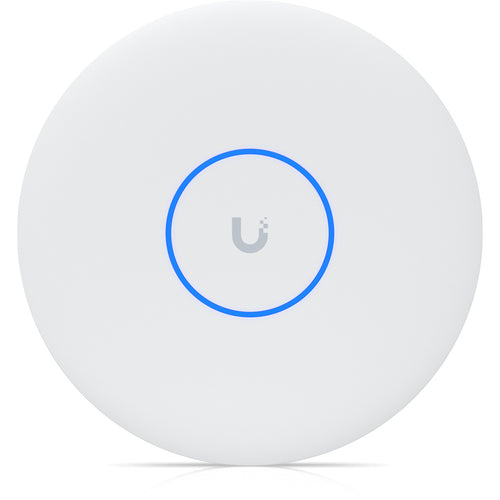
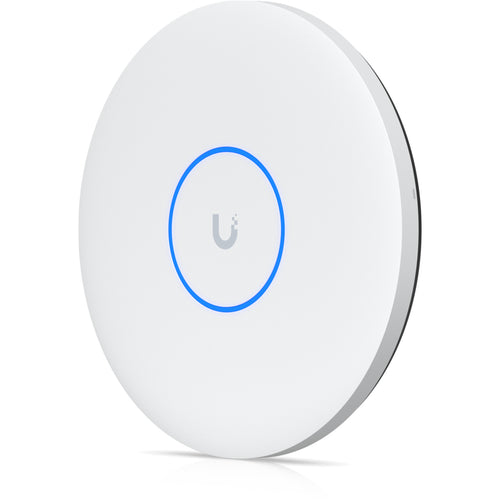
Ubiquiti UniFi U7-PRO-XGS (BE15000) Tri-Band 8-Stream Wi-Fi 7 Access Point with 10GbE x1 (PoE++ 29W)
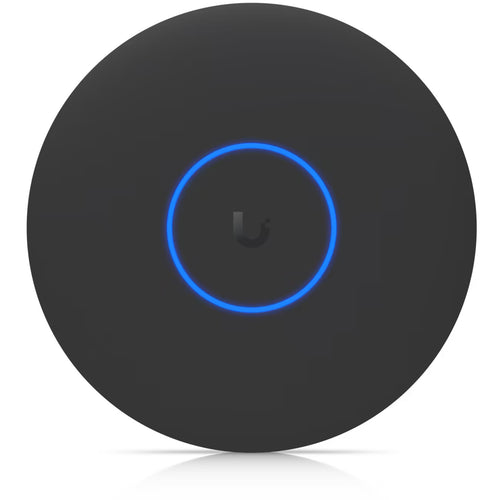
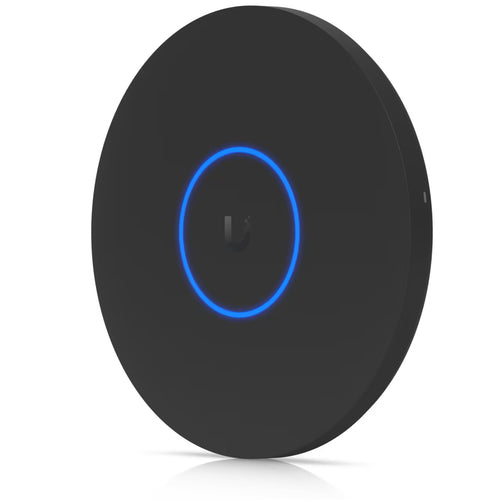
Ubiquiti UniFi U7-PRO-XG (BE11000) Tri-Band 6-Stream Wi-Fi 7 Access Point with 10GbE x1 (PoE+ 22W) - Black
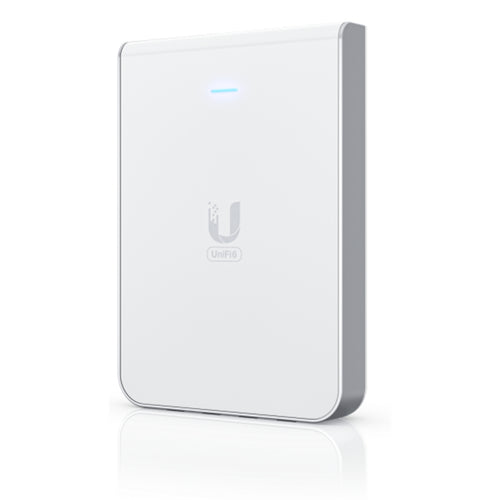
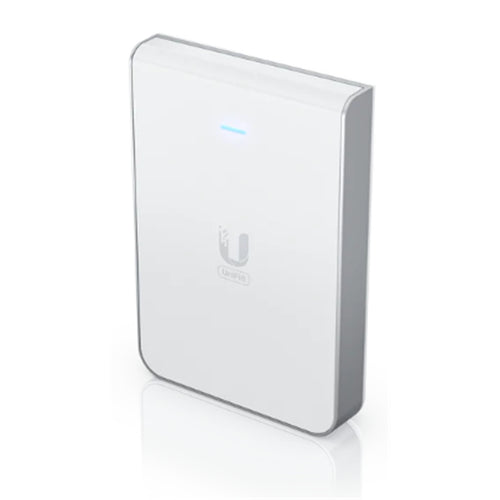
Ubiquiti UniFi U6-IW (AX5400) Dual-Band 6-Stream Wi-Fi 6 Access Point with 1GbE x5 (PoE+ 13W+)
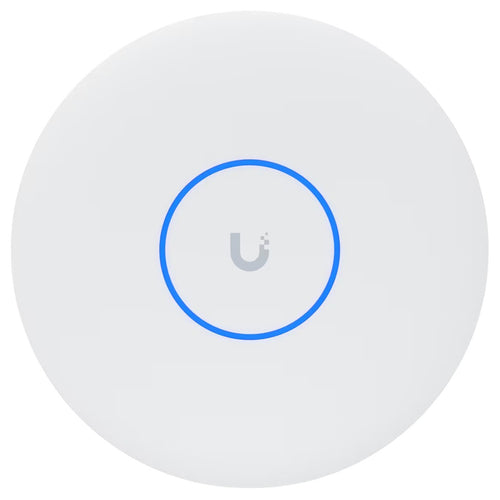
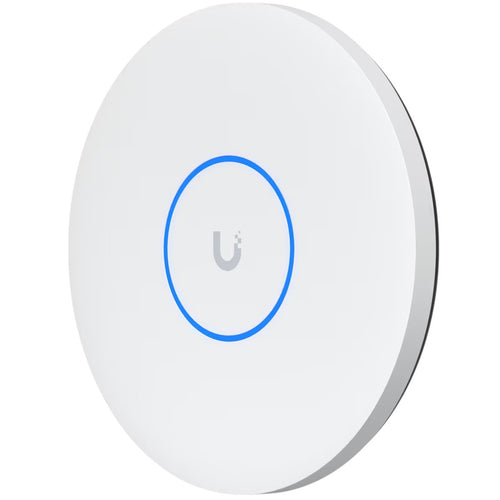
Ubiquiti UniFi U7-PRO-XG (BE11000) Tri-Band 6-Stream Wi-Fi 7 Access Point with 10GbE x1 (PoE+ 22W)
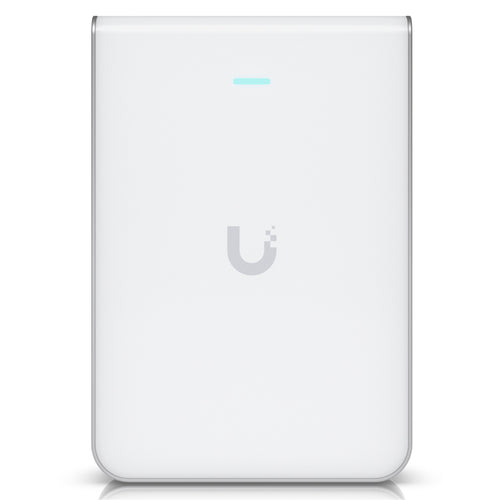
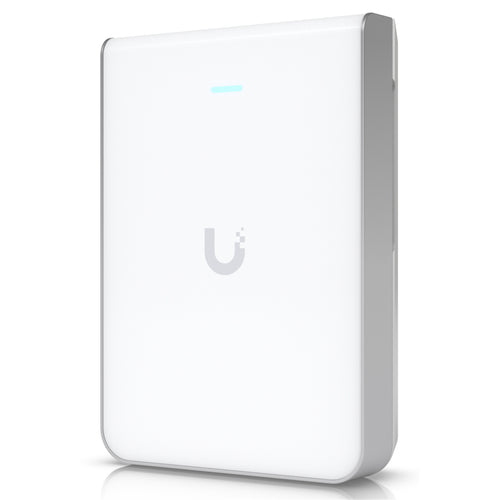
Ubiquiti UniFi U7-Pro-Wall (BE11000) Tri-Band 6-Stream Wi-Fi 7 Access Point with 2.5GbE x1 (PoE+ 22W)
Features
BE3600 Wall Plate Wi-Fi 7 Access Point
- BE3600 Wi-Fi 7 (2882 Mbps on 5 GHz + 688 Mbps on 2.4 GHz).*
- 1× 2.5G PoE input port + 1× 2.5G pass-through port + 2× Gigabit RJ45 downlink ports.
- 160 MHz bandwidth enables many more simultaneous transmissions.**
- Multi-RUs ensure the high performance of your network.**
- Advanced Functions: Centralised management, Mesh, and Seamless Roaming.***
BE3600 Wi-Fi 7 Wall Plate Access Point for Ultra-Fast Connectivity

Wi-Fi 7: Swifter, Smoother, Stronger
Dual-Band Wi-Fi 7 Throughput

Dedicated and Complete, Private Wi-Fi Networks for Every Room

Optimised Wired Performance with 2.5G PoE Ports
With 2.5G PoE input and pass-through ports, along with two Gigabit RJ45 ports, enjoy high-speed data transfers and connect multiple devices to your gigabit network. Wired devices, such as VoIP phones, can be powered without the need for additional electrical cables.

*The PoE pass-through feature requires 802.3at/bt PoE input.
Boosted Network Security

Seamless Integration into the Omada SDN
Remotely manage your access points, switches, and routers across multiple sites - all from a single interface.

Build Features


Note
*Maximum wireless signal rates are the physical rates derived from IEEE Standard 802.11 specifications. The 160 MHz bandwidth is only available on the 5GHz band. It may be unavailable in some regions/countries due to regulatory restrictions. Actual wireless data throughput, wireless coverage, and connected devices are not guaranteed and will vary as a result of internet service provider factors, network conditions, client limitations, and environmental factors, including building materials, obstacles, volume and density of traffic, and client location.
**Use of Wi-Fi 7 (802.11be) and features including 160 MHz Bandwidth, 4K-QAM, Multi-RUs, OFDMA and MU-MIMO requires clients to also support the corresponding features.
***Omada Mesh, Seamless Roaming, Captive Portal, and Cloud Access require the use of an Omada SDN controller. Please refer to the User Guides of Omada SDN controllers for configuration methods.
Specifications
Technical Specifications
| Interface | Uplink: 1× 2.5G Ethernet PortDownlink: 1× 2.5G Ethernet Port + 2× Gigabit Ethernet Ports (The 2.5G port supports PoE pass-through. The PoE pass-through feature requires 802.3at/bt input.) |
|---|---|
| Physical Security Lock | No |
| Button | Reset, LED |
| Power Supply | 802.3at/bt PoE |
| Max. Power Consumption | 802.3bt: 17W (PoE Out support 15.4W)802.3at: 17W (PoEOut support 7W) |
| Dimensions ( W x D x H ) | 143 × 86 × 40 mm (5.6 × 3.4 × 1.6 in) |
| Antenna | 4× Internal Antennas2.4 GHz: 2× 4 dBi5 GHz: 2× 5 dBi |
| Mounting | Wall Mounting (Kits included) |
| Coverage | 50 m²(600 ft²)Coverage value is calculated based on laboratory testing. Actual coverage is not guaranteed and will vary as a result of client limitations and environmental factors. |
| Concurrent Clients | 250+The actual capacity depends on the wireless environment and client traffic and is generally less than the maximum number of client connections. |
| Wireless Standards | IEEE 802.11 a/b/g/n/ac/ax/be |
| Frequency | 2.4 GHz and 5 GHz |
| Signal Rate | 5 GHz: Up to 2882 Mbps2.4 GHz: Up to 688 Mbps |
| Wireless Functions | 16 SSIDs (Up to 8 SSIDs on each band)Enable/Disable Wireless RadioAutomatic Channel AssignmentTransmit Power Control (Adjust Transmit Power on dBm)QoS(WMM)Seamless RoamingBeamformingRate Limit (Based on SSID/Client)Load BalanceAirtime FairnessBand SteeringReboot ScheduleWireless ScheduleRADIUS AccountingMAC AuthenticationWireless StatisticsStatic IP/Dynamic IP |
| Wireless Security | Captive Portal AuthenticationAccess ControlWireless Mac Address FilteringWireless Isolation Between ClientsVLANRogue AP DetectionWPA-Personal/Enterprise, WPA2-Personal/Enterprise, WPA3-Personal/Enterprise |
| Omada App | Yes |
| Centralized Management | Omada Hardware Controller (OC300)Omada Hardware Controller (OC200)Omada Software ControllerOmada Cloud-Based Controller |
| Cloud Access | Yes. Requiring the use of OC300, OC200, Omada Cloud-Based Controller, or Omada Software Controller. |
| Email Alerts | Yes |
| LED ON/OFF Control | Yes |
| Management MAC Access Control | Yes |
| SNMP | v1, v2c, v3 |
| System Logging Local/Remote Syslog | System Log |
| SSH | Yes |
| Web-based Management | Yes |
| L3 Management | Yes |
| Multi-site Management | Yes |
| Management VLAN | Yes |
| Zero-Touch Provisioning | Yes. Requiring the use of Omada Cloud-Based Controller. |
| Certification | CE, RoHS |
| Package Content | BE3600 Wall Plate Wi-Fi 7 Access PointInstallation GuideMounting Kits |
| System Requirements | Microsoft Windows XP, Vista, Windows 7, Windows 8, Windows10, Windows 11, Linux |
| Environment | Operating Temperature: 0-40 ? (32-104 ?)Storage Temperature: -40-70 ? (-40-158 ?)Operating Humidity: 10-90% RH non-condensingStorage Humidity: 5-90% RH non-condensing |
| Brand | TP-Link |
|---|---|
| Product Type | Networking > Wireless Access Points > Indoor Access Points |
| Weight | 0.46 kg |
| Warranty |
|---|
Note:
Warranty period is as stated above unless the manufacturer has chosen to specify a longer period.
All warranties are return to base unless otherwise specified.
Shipping Information
- Free NZ-wide shipping on orders over $299
- Standard delivery 2–5 business days
- Rural delivery may take an additional 1–2 days
- Same-day dispatch for orders placed before 2pm (weekdays)
Returns Policy
- 7-day returns on unused items in original packaging
- Faulty or damaged products covered under warranty
- Contact our support team to initiate a return