

MAXHUB Lecturn
You May Also Like
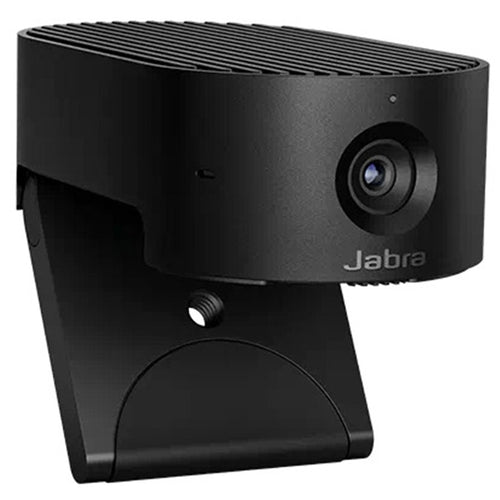
Jabra PanaCast 20 4K UHD AI-Enabled Personal Video Conference Camera - Microsoft Teams Certified
Jabra PanaCast 20 4K UHD AI-Enabled Personal Video Conference Camera - Microsoft Teams Certified
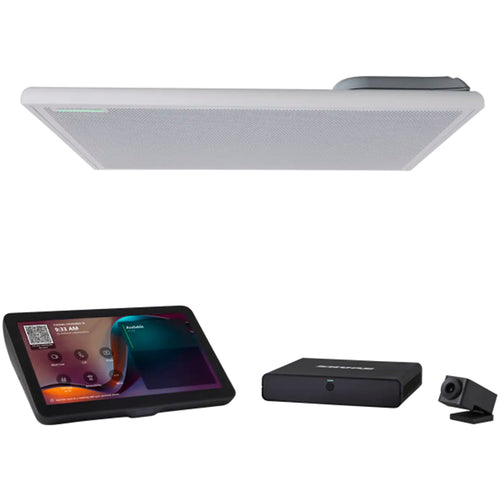
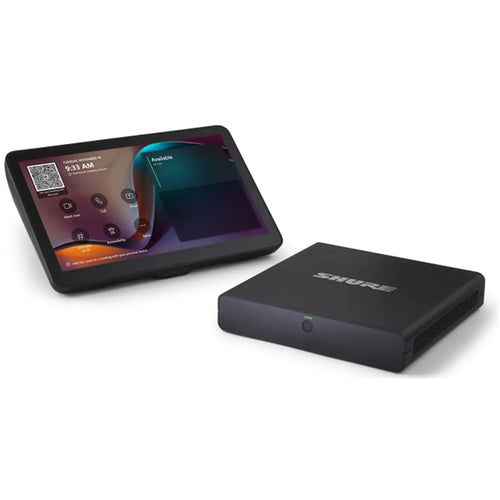
Shure IntelliMix Room Kit 30 - Small/Medium Microsoft Teams Rooms Solutions
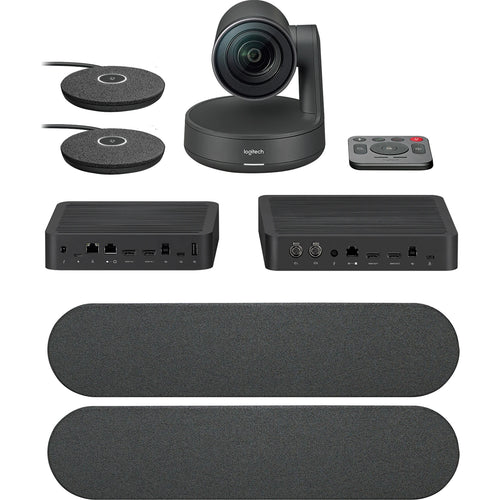
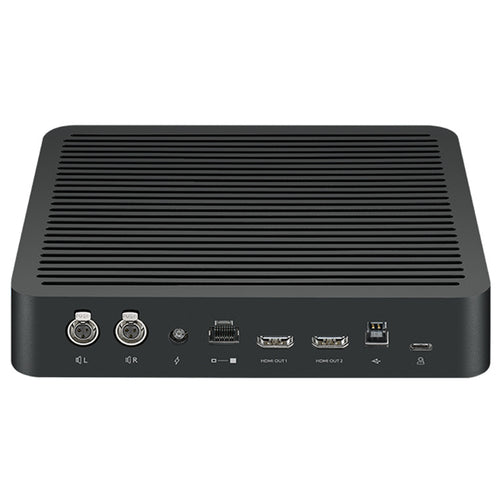
Logitech Rally Plus 4K PTZ Modular Video Conference System
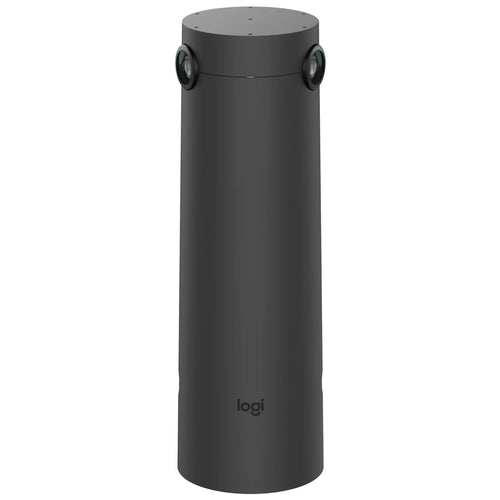
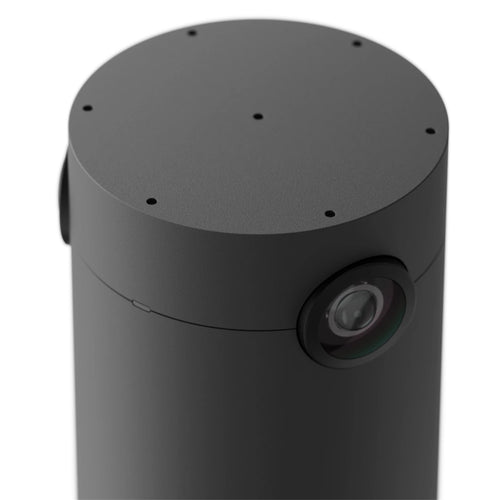
Logitech Sight Dual 4K Video Conference Camera - Graphite
Features
Smart Lectern - Define Your Stage
Smart System Embedded | Wired & Wireless Screen-sharing[1]
Onstage Annotation[2] | Electrically Height Adjustable

Exemplary All-in-One Lectern
A smart device with a sleek design that integrates the functionality of a PC, microphone, and touchscreen into one conference lectern.

Screen Sharing, Reinvented
This smart conference lectern connects with a mobile devices or laptops, and synchronizes the screens with onstage display[3]; You can easily switch between devices[4].; You can easily switch between devices[4].
- Wireless Screen-sharing[6]
- Multiple Choices for Connection[5]
- Up to 8 devices for instant switch[7]

Wireless sharing to multiple devices

Wireless sharing to traditional devices

Wireless sharing to MAXHUB Integrated LED Wall

Annotation at Will
Annotate on the smart lectern while facing to the audience to improve engagement.
- 21.5 Inches Display
- Capacitive + EMR Touch Technology
- Smart Annotation

Comfort is Key
The height adjustable lectern makes hand gestures, annotating, and presenting more comfortable. Designed with versatility in mind, the lectern electronically adjusts for heights from 3ft up to 6ft to accommodate different statures.

Wireless Adaptation
Completely mobile, you can be sure your setup is always reliable and looks professional.

[1] Supports Windows 7 and above, macOS 10.10 and above, iOS 9.0 and above, Android 5.0 and above. The "MAXHUB Share" app needs to be downloaded, installed properly and granted necessary network access.
[2] Onstage display includes: MAXHUB Integrated LED Walls, MAXHUB Interactive Flat Panels, and display systems that work with a MAXHUB Wireless Box or support HDMI input.
[3] Supports Windows 7 and above, macOS 10.10 and above, iOS 9.0 and above, Android 5.0 and above. The "MAXHUB Share" app needs to be downloaded, installed properly and granted necessary network access.
[4] Supports screen-sharing from personal devices to the smart lectern, screen-sharing from the lectern to the external display via HDMI or wireless connection, and relay the screen-share from personal devices to the external display with on-screen annotation features.
[5] When connected in the same WLAN with a MAXHUB Integrated LED Wall, MAXHUB Smart Lectern does not need any additional apps to achieve wireless screen-sharing. However, when connected to other display systems, additional apps may be required to install on the smart lectern to do so or through a MAXHUB Wireless Box.
[6] A MAXHUB Smart Lectern supports simultaneous connection with up to 8 devices and instant switch amongst them.
Specifications
Technical Specifications
| Size | 21.5inch |
|---|---|
| Response Time | 14ms |
| Aspect Ratio | 16:9 |
| Display Area | 476.064(H) × 267.786(V) |
| Resolution | 1920(H) × 1080(V) |
| Pixel Pitch | 0.24795 × 0.24795 |
| Refresh | 60Hz |
| Display Color | 16.7M (8bit) |
| NTSC | 72% |
| Contrast Ratio | 1000:1 |
| Viewing Angle | 178°(H/V) |
| Back Light Unit | ELED |
| Brightness With Glass (typ) | 450cd/m² |
| Life Time | =30000 Hours |
| Sensing Type | Capacitive Sensing |
| Touch Tool | Finger, Active Capacitance pen |
| Accuracy | ±1.5mm |
| Minimum Object Size | 6mm |
| Touch Point | 10 points touch |
| Palm Rejection | Support |
| Quantity | 2 |
| Distance of Pickup | 0~0.30m (0 - 0.98 ft) |
| Wi-Fi | Version: 802.11 a/b/g/n/acOperation Frequency: 5GHz; 2.4GHzDistance: 0~10m |
| Wireless Screen-share | Operation Mode: APOperation Frequency: 5GHz |
| Power Requirements | 100-240V~ 50/60Hz 2.0A/19VDC 6.3A |
| Overall Power (Max.) | 120W |
| Smart Lectern lifting | Electric Control |
| Speed | Up/Down: 0.9cm/s (0.35 inches/s) |
| Range | Min: 1.0m (39 inches)Max: 1.2m (47 inches) |
| HDMI Bridge | 1 (Top of the Column, used for HDMI Bridge between the Panel and the Column) |
| HDMI OUT | 1 (Bottom of Smart Lectern column chassis) |
| USB 2.0 | 3 (Two channels on the side, one channel hidden (for upgrade only) |
| RJ45 | 1 (10/100/1000 Mbps) |
| AC IN | 1 |
| DC IN | 1 (19V/6.31A) |
| MIC IN | 2 (Gooseneck Microphone) |
| AUDIO OUT (6.5mm (1/4 inch)) | 1 |
| AUDIO OUT (3.5mm (1/8 inch)) | 2 (Smart Lectern screen x 1, Smart Lectern column chassis x 1) |
| AUDIO OUT (Cannon/XLR) | 1 |
| AUDIO Bridge | 1 (3.5mm, used for Audio Bridge between the Panel and the Column) |
| Physical Button | 4 (Power Button, Moving Up, Moving Down, Mute) |
| Dimension (L × H × D) | 786.3 × 420 × 1010.4 mm(30.96 × 16.54 × 39.76 inches) |
| Dimension (package) (L × W × H) | 898 × 562 × 1148 mm(35.35 × 22.13 × 45.20 inches) |
| Wheels | × 2 |
| Net Weight | 29.9kg (65.9 lbs) |
| Gross Weight | 43.0kg (94.8 lbs) |
| Power Cord | 1 |
| HDMI Cable | 1 |
| HDMI Bridge Cable | 1 |
| Audio Bridge Cable | 1 |
| Smart Pen | 1 |
| Gooseneck microphone | 2 |
| Operation Temperature | 0°C~40°C |
| Operation Humidity | 10%~90%RH |
| Storage Humidity | 10%~90%RH |
| Storage Temperature | -20°C~60°C |
| Altitude | Below 5000 meters |
| PC Model | OPS72C (Windows 10 IoT Enterprise ) |
| CPU | i5-1240P (1.7GHz) |
| RAM + ROM | 16g + 256g |
| Wireless Module | SI04B |
| Brand | Maxhub |
|---|---|
| Product Type | UC & Video Conferencing > Video Conferencing |
| Weight | 1.0 kg |
| Warranty |
|---|
Note:
Warranty period is as stated above unless the manufacturer has chosen to specify a longer period.
All warranties are return to base unless otherwise specified.
Shipping Information
- Free NZ-wide shipping on orders over $299
- Standard delivery 2–5 business days
- Rural delivery may take an additional 1–2 days
- Same-day dispatch for orders placed before 2pm (weekdays)
Returns Policy
- 7-day returns on unused items in original packaging
- Faulty or damaged products covered under warranty
- Contact our support team to initiate a return