


StarTech.com DK30CH2DEP - USB-C DOCK - TRIPLE 4K MONITOR - 100W PD
You May Also Like
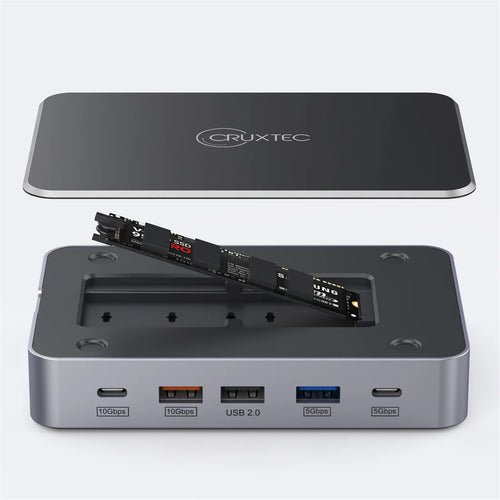
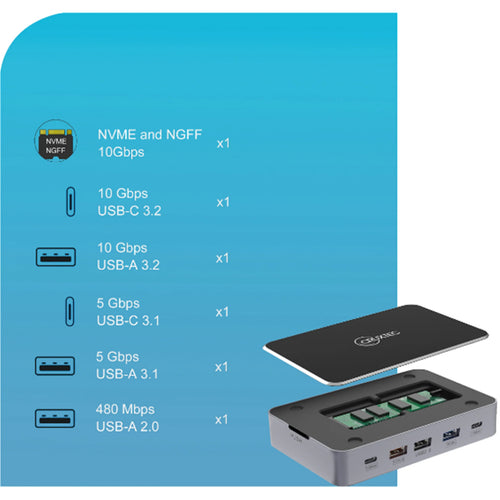
Cruxtec CDK14-SG 14-in-1 USB-C 100W Docking Station with Built-in M.2 Slot support upto 4TB -
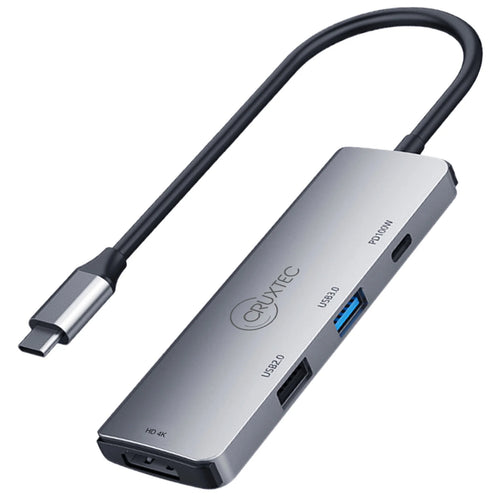
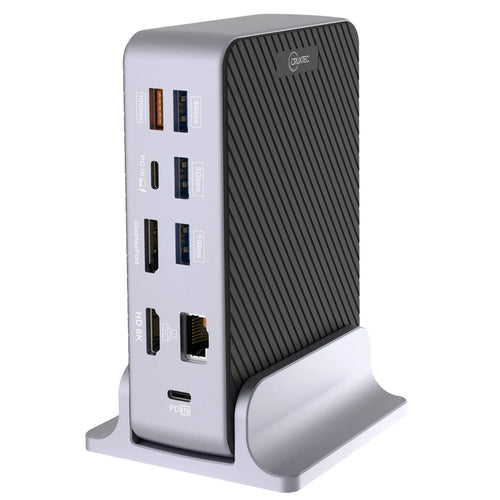
Cruxtec CDK10-SG USB-C to Dual HDMI, Multi- Screen output 4K60hz - Mini Docking
Features
This triple-4K dock for Mac, Windows and Chrome USB-C laptops helps you take productivity to a whole new level. With three 4K video connections, 100W Power Delivery, and 5x USB 3.0 ports, the USB-C dock is perfect for your MacBook, Dell XPS, Chromebook or other USB-C laptop requiring additional ports.
You can also connect the dock to your USB 3.0 laptop through a USB-A port, using a USB-C to A cable, such as the USB315AC1M(sold separately). Note: Power Delivery to charge your laptop is not available through USB-A, and only dual display is supported.
Enhance Productivity
The 4K USB-C docking station lets you create a three-monitor Ultra HD workstation. Connect:
2x 4K DisplayPort (DisplayLink) at 4096 x 2160 resolution @ 60Hz / 3840 x 2160 @ 60Hz and
1x 4K HDMI (DP Alt Mode) at 4096 x 2160 resolution @ 24Hz / 3840 x 2160 @ 30Hz
For high-resolution applications, you can connect the dock to a 5K display at 60Hz, using the two DisplayPort ports.
100W Power Delivery
Using a single cable, the USB-C dock will power and charge power-hungry laptops, with up to 100W Power Delivery, and power your peripherals with its 150W power adapter.
Powerful Connections
This triple-monitor docking station lets you transform your laptop into a full-sized workstation. It gives you five USB 3.0 ports (1x USB Type-C and 4x USB Type-A incl. 1x Fast-Charge port), a Gigabit Ethernet port, headset jack, and separate 3.5 mm audio and microphone ports.
Applications
- Ideal for 4K video editing or working with high-resolution graphics
- Work on multiple documents simultaneously in office applications
- View multiple monitors at a glance, in financial or investment firms
- Enhanced Power Delivery (100W) supports power-hungry laptops

Specifications
Technical Specifications
| 4K Support | Yes |
|---|---|
| Bus Type | USB-C |
| Chipset ID | DisplayLink - DL-6950Genesys Logic - GL3523Genesys Logic - GL3523STexas Instruments - TPS65982Parade Technologies - PS176 |
| Displays Supported | 3 |
| Fast-Charge Port(s) | Yes |
| Industry Standards | USB Power Delivery Specification Rev. 2.0USB Battery Charging Specification Rev. 1.2DisplayPort 1.2IEEE 802.3, IEEE 802.3u, IEEE 802.3abUSB 3.0 - Backward compatible with USB 2.0 and 1.1 |
| Auto MDIX | Yes |
| Compatible Networks | 10/100/1000 Mbps |
| Full Duplex Support | Yes |
| Maximum Data Transfer Rate | 5 Gbps (USB 3.0)2 Gbps (Ethernet; Full-Duplex) |
| Maximum Digital Resolutions | 1x HDMI (DP Alt Mode) - 4096 x 2160p @24Hz / 3840 x 2160p @30Hz2x DisplayPort (DisplayLink) - 4096 x 2160p @60Hz / 3840 x 2160p @60Hz1x 5K DisplayPort using 2 DP video ports - 5120 x 2880 @60HzLower resolutions are also supported. For example, if the max is 3840 x 2160p (4K), it also supports 2560 x 1600p and 2560 x 1440p. |
| Type and Rate | USB 3.0 - 5 Gbit/s |
| UASP Support | Yes |
| Connector Type(s) | 2 - DisplayPort (20 pin) Female1 - HDMI (19 pin) Female2 - USB Type-C (24 pin) USB 3.0 (5Gbps) Female1 - USB 3.0 A (Fast-Charge, 9 pin, SuperSpeed) Female3 - USB Type-A (9 pin) USB 3.0 Female1 - RJ-45 Female1 - 3.5 mm Mini-Jack (4 Position) Female2 - 3.5 mm Mini-Jack (3 Position) Female1 - Security Lock Slot Female |
| Compatibility | Apple M1, M2, M3.Apple M4, M5 - Requires displaylink update which can be foundhereIntel Processors (PC/MAC)AMD ProcessorsChromebooks |
| OS Compatibility | Windows® 7, 8, 8.1, 10macOS 10.9 - 10.12, 10.14Chrome OS™ v55+ |
| Note | - Not all USB-C ports support the full functionality of the USB Type-C standard. Ensure that your host USB-C port supports USB Power Delivery 2.0 and DP alt mode.- 4K resolution is supported on all 3 video ports. A 4K-capable display is required to achieve 4Kx2K resolution- If connected to a USB 2.0 host port, or if using a USB 2.0 host connection cable, performance may be limited (USB 3.0 host cable included)- USB 3.0 is also known as USB 3.1 Gen 1; this connectivity standard offers speeds up to 5Gbps- 5K resolution is supported by connecting the two DisplayPort video ports to a single 5K display. A 5K-capable display is required to achieve 5K (5120 x 2880 60Hz) resolutions- The dock connects to the USB-C port on your laptop. The dock can also be connected to the USB-A port on laptops using a USB-C to A cable, sold separately, but only dual display is supported, and Power Delivery to charge your laptop is not available through USB-A |
| System and Cable Requirements | USB-C enabled computer with an available USB Type-C port |
| Center Tip Polarity | Positive |
| Input Current | 2.5 A |
| Input Voltage | 100 ~ 240 AC |
| Output Current | 7.5 A |
| Output Voltage | 20V DC |
| Plug Type | N |
| Power Delivery | 100W |
| Power Source | AC Adapter Included |
| Humidity | 0~70% RH |
| Operating Temperature | 0°C to 40°C (32°F to 104°F) |
| Storage Temperature | -20°C to 60°C (-4°F to 140°F) |
| Color | Black & Silver |
| Enclosure Type | Plastic |
| Product Height | 1.3 in [3.4 cm] |
| Product Length | 10.6 in [27 cm] |
| Product Width | 3.2 in [82 mm] |
| Weight of Product | 13.6 oz [385 g] |
| Brand | StarTech.com |
|---|---|
| Product Type | Computers & Tablets > Docking Stations |
| Weight | 0.726 kg |
| Warranty |
|---|
Note:
Warranty period is as stated above unless the manufacturer has chosen to specify a longer period.
All warranties are return to base unless otherwise specified.
Shipping Information
- Free NZ-wide shipping on orders over $299
- Standard delivery 2–5 business days
- Rural delivery may take an additional 1–2 days
- Same-day dispatch for orders placed before 2pm (weekdays)
Returns Policy
- 7-day returns on unused items in original packaging
- Faulty or damaged products covered under warranty
- Contact our support team to initiate a return