


StarTech.com PEX8M2E2 - Dual M.2 PCIe SSD Adapter - x8 PCIe 3.0
You May Also Like
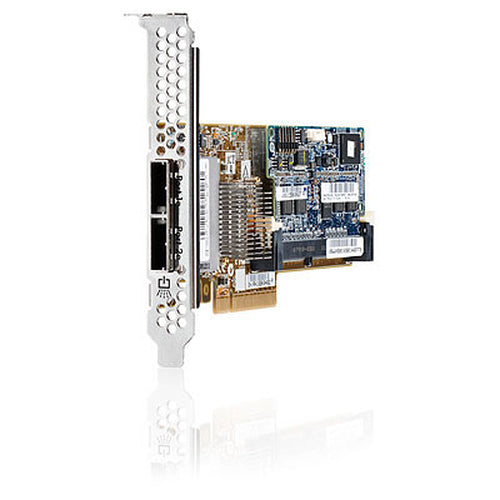
631670-B21 - HP Smart Array P420 1Gb FBWC 6G 2-Port Int PCI-E 3.0x8 SAS Controller
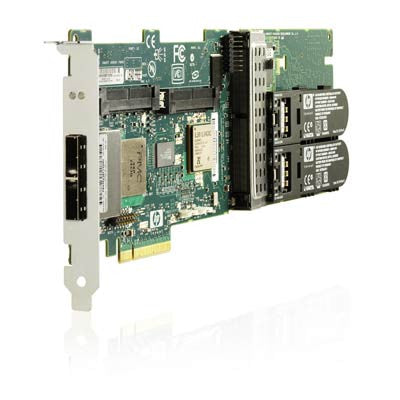

462918-001 - HP Smart Array P411/ZM 6G 2-Port Ext PCI-E 2.0x8 SAS Controller
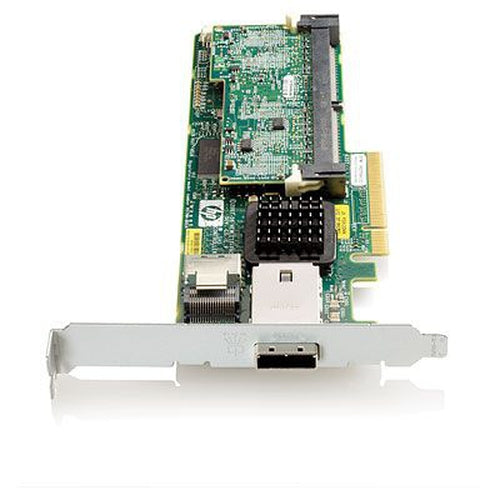
462828-B21 - HP Smart Array P212/ZM 6G 1-Port Int/1-Port Ext PCI-E 2.0x8 SAS Controller
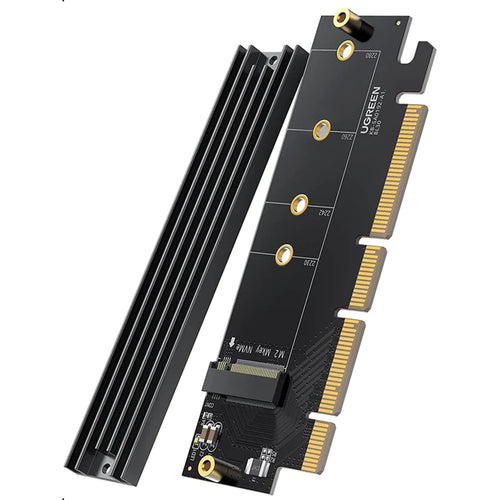
PCIE-SATA3EXT - Sunix SATA1616 PCI Express SATA 3.0 Card 6Gbit/s - 1 Internal and 1 External Port
Features
Upgrade your system speed and performance with this Dual M.2 PCIe SSD Adapter. It lets you add two high performance, enterprise-class PCIe 3.0 M.2 SSDs (NVMe and AHCI) into the PCIe 8-lane or larger slot of your desktop workstation or server.
Boost System Performance
The expansion card lets you take full advantage of the fast performance and compact size of PCIe M.2 internal solid-state drives. With the M.2 PCIe based drives in place, the adapter increases your storage capacity and gives your computer a significant speed boost, enhancing data transfer rates.
Access two M.2 PCIe SSDs simultaneously
The dual M.2 to PCIe expansion card employs a high-speed ASM2824 switch, allowing you to access two drives at the same time. Since the adapter card does not rely on PCIe bifurcation, it can easily be integrated into all systems, new and legacy.
The M.2 PCI express adapter also gives you the flexibility to access your M.2 PCIe SSDs individually. Or, you can utilize software RAID to build a RAID array to add redundancy or enhance system performance.
Wide System Compatibility
The adapterconnects directly to your computer motherboard to support two PCIe M.2 SSDs through a x8 PCIe expansion slot. The adapter is compatible with PCIe 3.0 motherboards and is backward compatible with PCIe 2.0 and PCIe 1.0.
Supports a Wide Range of PCIe M.2 SSDs
The PCIe M.2 NGFF (M Key) adapter supports PCIe 3.0 NVMe and PCIe-AHCI M.2 SSDs including 2242, 2260, and 2280 drives, supporting the most common drive sizes: 42, 60, and 80 mm lengths.
Easy to Install
The expansion card comes with a full-profile bracket pre-installed, and includes a half-height / low-profile bracket, for installation in small form-factor computers.
Vented Brackets
Vented brackets on the PCIe M.2 NGFF SSD adapter card increases air flow to assist in heat dissipation.
The TAA compliant PEX8M2E2 is backed by a StarTech.com 2-year warranty and free lifetime technical support.
Applications
- Connect two PCIe M.2 SSDs to your desktop computer or server to boost system speed and increase internal data storage
- Get ultra-fast data access, ideal for high-performance workstations
- Install your operating system on an M.2 PCIe based drive for fast access, while keeping larger platter drives available for bulk storage
Specifications
Technical Specifications
| Compatibility | OS independent; No software or drivers required |
|---|---|
| Connector(s) | Drive Connectors:2 - M.2 (PCIe, M-Key, AHCI/NVMe, NGFF)Host Connectors:1 - PCI Express x8Other Interface(s):2 - IDC (2 pin, Motherboard Header) |
| Environmental | Operating Temperature:0°C to 70°C (32°F to 158°F)Storage Temperature:-25°C to 70°C (-13°F to 158°F)Humidity:15% ~ 90% RH |
| Hardware | Supported Drive Height(s):224222602280Interface:PCI Express x8Bus Type:PCI ExpressNumber of Drives:2Drive Size:22m - M.2 NGFFCompatible Drive Types:M.2 (PCIe, AHCI, M-Key, NGFF)M.2 (PCIe, AHCI, M-Key, NGFF)Drive Installation:FixedChipset ID:ASMedia - ASM2824 |
| Packaging Information | Package Height:1,6 in [40,0 mm]Package Length:8,5 in [217,0 mm]Shipping (Package) Weight:7,1 oz [201,0 g]Package Width:6,2 in [157,0 mm] |
| Performance | Type and Rate:PCI Express 3.0 (8 Gbps)Hardware Raid Supported:NoHot Swap Capability:NoInsertion Rating:60 cyclesMTBF:3336103 hours |
| Physical Characteristics | Product Height:2,7 in [6,9 cm]Product Length:6,3 in [15,9 cm]Weight of Product:3,1 oz [88 g]Product Width:0,6 in [1,6 cm]Colour:Red |
| Software | OS Compatibility:OS independent; No software or drivers required |
| Special Notes / Requirements | Note:NVMe SSDs require drivers provided by the manufacture of the drive or may be natively provided by the OS (Windows®? 8 and later - Mac OS 10.10.3 and later). Earlier OS versions do not have native NVMe support. |
| What's in the Box | Included in Package:1 - x8 PCI Express to Dual M.2 PCIe SSD Adapter1 - Low-Profile Bracket1 - Full-Profile Bracket (Pre-installed)2 - SSD Standoff and Installation Screws1 - Quick-Start Guide |
| Brand | StarTech.com |
|---|---|
| Product Type | PC Parts > IO, SCSI, IDE Cards |
| Weight | 0.091 kg |
| Warranty |
|---|
Note:
Warranty period is as stated above unless the manufacturer has chosen to specify a longer period.
All warranties are return to base unless otherwise specified.
Shipping Information
- Free NZ-wide shipping on orders over $299
- Standard delivery 2–5 business days
- Rural delivery may take an additional 1–2 days
- Same-day dispatch for orders placed before 2pm (weekdays)
Returns Policy
- 7-day returns on unused items in original packaging
- Faulty or damaged products covered under warranty
- Contact our support team to initiate a return