


StarTech.com TB31PCIEX16 - Thunderbolt 3 PCIe Expansion Chassis
You May Also Like
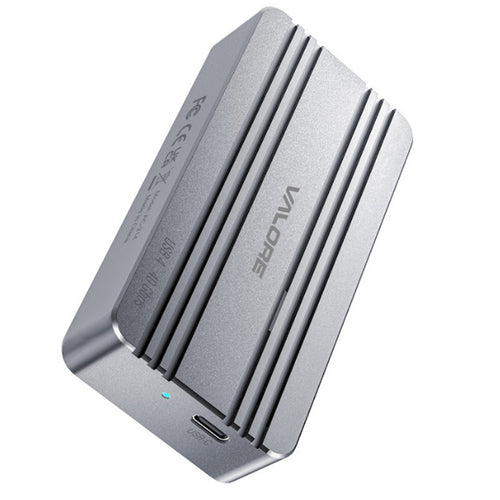
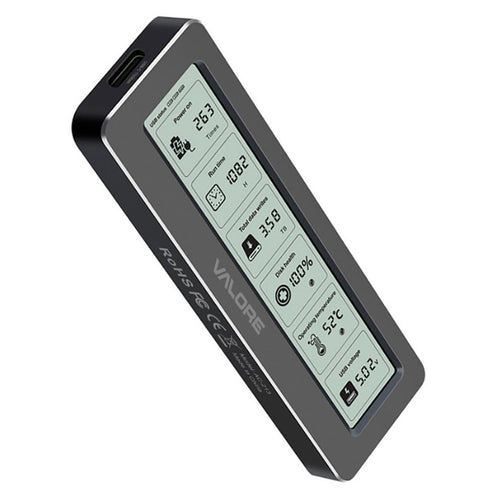

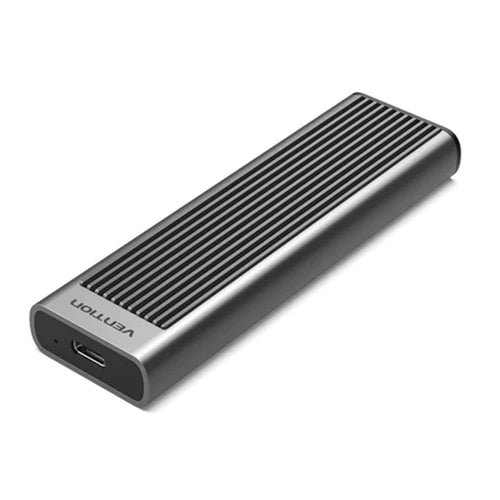
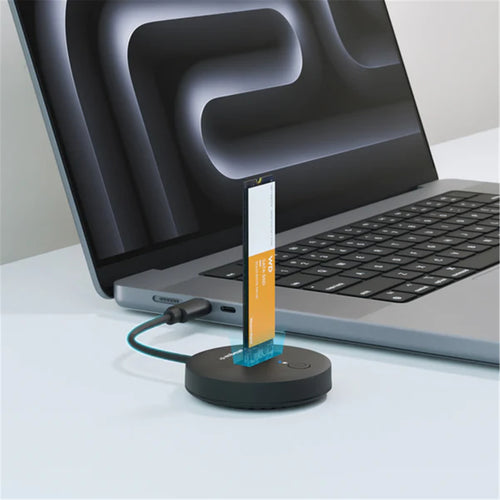
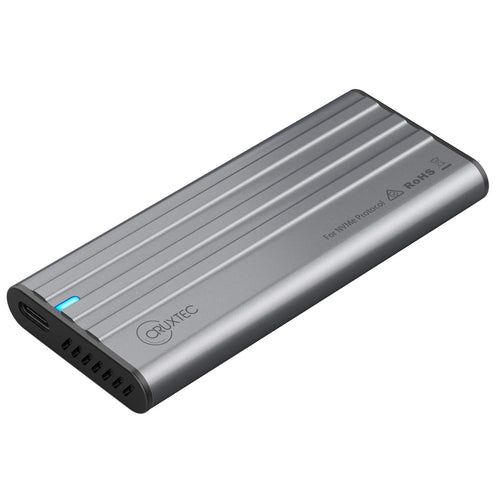
Vention KPKH0 M.2 NVMe (USB 3.1 Gen 2-C) SSD Enclosure with Heat Sink Gray Aluminum Alloy Type

Features
This Thunderbolt™3 PCIe expansion chassis lets you add a PCI Express card to your laptop or desktop computer, through an external Thunderbolt 3 connection. The chassis also features a DisplayPort video output, so you can connect an additional monitor to your laptop, and supports Thunderbolt 3 daisy chaining, so you can expand your workstation even further.
Expand the capabilities of your Thunderbolt 3 computer
The Thunderbolt 3 PCIe chassis makes it easy to expand your system with the capabilities you need to work at peak productivity. You can add many types of PCI Express cards, such as a PCIe USB 3.1/3.0/2.0 and USB-C, SSD, network, eSATA, FireWire or video capture cards. And, with the speed and bandwidth support of Thunderbolt 3 and PCIe 3.0, you can enjoy many of the same port additions you would from the PCI Express expansion slots of a desktop system.
Extend your workstation
The external PCIe enclosure features a dedicated DisplayPort output that lets you add an additional display to your laptop or desktop computer. The enclosure features a second Thunderbolt 3 (USB-C) port, that you can use to connect a secondary display (a USB-C video adapter may be required). With multiple extended displays, you can work more efficiently by multitasking faster, and avoid the hassle of continually repositioning several open windows or programs.
You can also use the second Thunderbolt 3 port to connect additional Thunderbolt, USB and DisplayPort devices to your system. You can daisy chain up to six Thunderbolt 3 devices and expand your workstation to suit your specific requirements.
Increase productivity with faster speeds
Thunderbolt 3 is the fastest connection available, which means you don't have to deal with the performance bottlenecks of a slower connection, and can accomplish more in the same amount of time.
At up to 40Gbps this Thunderbolt 3 expansion chassis gives you the throughput to add displays to your laptop, access files quickly, and work without disruptions. It's easy to access and edit large uncompressed files such as videos and images on the fly, making it ideal for dynamic on-site production.
Applications
- Add many types of PCIe cards, such as a PCIe USB 3.1/3.0/2.0 and USB-C, SSD, network, eSATA, FireWire or video capture cards to your Thunderbolt 3 laptop
- Add an external PCIe card to your Thunderbolt 3 equipped desktop computer
Specifications
Technical Specifications
| Air Flow Rate | 14.06 CFM |
|---|---|
| Bus Type | Thunderbolt 3 |
| Card Type | Standard Profile |
| Chipset ID | Intel - Alpine Ridge DSL6540 |
| Fan Bearing Type | Sleeve Bearing |
| Fan(s) | Yes |
| Fans | 1 - 60 mm |
| Industry Standards | Thunderbolt 3 |
| Interface | Thunderbolt |
| Noise Level | 24.55 dB |
| Ports | 3 |
| Bandwidth | 3.94 GB/s (x4 PCIe 3.0 ) |
| Maximum Data Transfer Rate | 40 Gbps (Thunderbolt 3) |
| Type and Rate | Thunderbolt 3 - 40 Gbit/s |
| External Ports | 2 - Thunderbolt™ 3 USB-C (24-pin) (40Gbps) Female1 - DisplayPort (20 pin) Female |
| Internal Ports | 1 - PCI Express x16 Female |
| OS Compatibility | Windows® 7, 8, 8.1, 10macOS 10.12 - 10.14 |
| Note | - The expansion chassis does not support video cards.- This expansion chassis does not provide full power delivery but will provide 15W of power, resulting in a slow charge to some laptops, such as MacBook Pro. When the dock is connected to your host laptop, a charging icon may appear on your laptop's screen. This is only sufficient enough to charge your laptop in sleep state, and charging will require an extended time period.- 5K support can only be achieved using a Thunderbolt 3 5K monitor. DisplayPort 5K monitors will not work with this expansion chassis.- A 4K-capable display is required to achieve 4K x 2K resolution (4K is also known as 4K x 2K).- Certain monitors may be limited to 4K at 30Hz when connecting through DisplayPort. These monitors include the following models: Dell P2715Q, Viewsonic VX2475Smhl-4K, Philips 288P6LJEB, LG 31MU97C-B, Asus PB287Q (these models will need to be set to 4K at 30Hz).- When connecting a display to one of the Thunderbolt 3 USB-C ports, a USB-C video adapter might be required depending on the input of your display.- Secondary Thunderbolt 3 port can also be used to connect USB 3.1 (10Gbps) USB-Type C devices, such as USB 3.1 Hubs. Backwards compatible with USB 3.0 (USB 3.1 Gen 1), and USB 2.0. |
| System and Cable Requirements | Thunderbolt 3 equipped computer with a Thunderbolt 3 port. |
| LED Indicators | 1 - Power(Blue) |
| Center Tip Polarity | Positive |
| Input Current | 2A |
| Input Voltage | 100 ~ 240 AC |
| Output Current | 5.417A |
| Output Voltage | 12 DC |
| Plug Type | N |
| Power Consumption (In Watts) | 65 |
| Power Source | AC Adapter Included |
| Humidity | 20-80%RH |
| Operating Temperature | 5°C to 35°C (41°F to 95°F) |
| Storage Temperature | -20°C to 50°C (-4°F to 122°F) |
| Cable Length | 19.7 in [500 mm] |
| Color | Black |
| Enclosure Type | Aluminum and Steel |
| Product Height | 3.2 in [82 mm] |
| Product Length | 11 in [280 mm] |
| Product Weight | 3.6 lb [1.6 kg] |
| Product Width | 5.6 in [142 mm] |
| Included in Package | 1 - Thunderbolt 3 PCIe expansion box1 - Thunderbolt 3 cable4 - rubber feet1 - universal power adapter (NA/JP, UK, EU, ANZ)1 - quick-start guide |
| Brand | StarTech.com |
|---|---|
| Product Type | PC Peripherals > Drive Enclosures & Docks |
| Weight | 1.429 kg |
| Warranty |
|---|
Note:
Warranty period is as stated above unless the manufacturer has chosen to specify a longer period.
All warranties are return to base unless otherwise specified.
Shipping Information
- Free NZ-wide shipping on orders over $299
- Standard delivery 2–5 business days
- Rural delivery may take an additional 1–2 days
- Same-day dispatch for orders placed before 2pm (weekdays)
Returns Policy
- 7-day returns on unused items in original packaging
- Faulty or damaged products covered under warranty
- Contact our support team to initiate a return