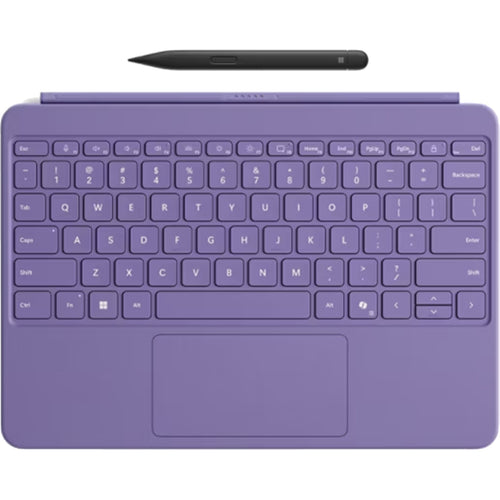
Samsung EF-DX720UBEGWW - BOOK COVER KB SLIM AI KEY BLACK
Features
No Tablet Included - Book Cover Keyboard only
Your key to instant AI access
The Galaxy AI Key gives you easy access to AI-powered assistant, Bixby. Simply tap the dedicated key and let your AI assistant handle your query - it's that simple to get things done.
*Image simulated for illustrative purposes.
**Galaxy AI key function available on Galaxy Tab S10 Series and Tab S9 Series models.
***On Galaxy Tab S9 and Tab S9 FE Series devices, One UI 7.0 or above is required to support the Galaxy AI key function. It may require One UI update.
****A network connection is required to use Bixby.
*****Service availability may vary by country, language, device model. Requires Google Account login.

Slim and lightweight design
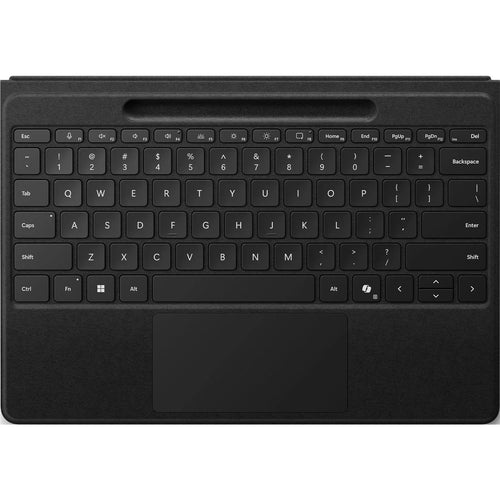
Accentuate the shape of your tablet with the slim and light Book Cover Keyboard Slim. It installs in a snap - all you have to do is wrap it around your tablet like a book cover and magnets will hold it in place. There's even a compartment to hold your S Pen for convenience.
*Image simulated for illustrative purposes.

A comfortable keyboard experience
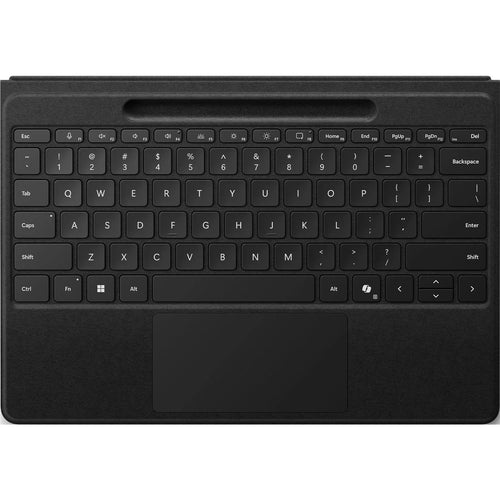
Pair your tablet with the Book Cover Keyboard Slim to type documents or emails with accuracy. Combined with DeX mode, the keyboard delivers a convenient PC-like experience.
*Features and keyboard layout may vary by model or type of language.

Enhance your productivity with wireless sharing
With Wireless Keyboard Sharing, you can easily connect to your other Galaxy devices and smoothly type or navigate on them. Switch between devices with ease and take control of your phone as you would on your tablet.
*Products sold separately.
**Image simulated for illustrative purposes. Actual UX/UI may vary.
***Wireless Keyboard Sharing is supported on Galaxy smartphones running One UI 3.1 or above and Galaxy Tab devices running One UI 2.5 or above, connected to the Book Cover Keyboard via POGO.
****To enable Wireless Keyboard Sharing, both devices must be logged in to the same Samsung account. Performance may vary depending on user network environment.
*****Up to 3 devices can be registered for Wireless Keyboard Sharing.
******Wireless Keyboard Sharing can be turned on/off in Settings > General Management > Physical Keyboard > Wireless Keyboard Sharing.


Specifications
Technical Specifications
| Colour | Black |
|---|---|
| Compatibility | Compatible ModelsGalaxy Tab S9, Galaxy Tab S9 FE |
| Interface | POGO |
| Keys Quantity | 65 |
| Dimension (WxHxD) (mm) | 255.5x168.9x14.0 mm |
| Weight | 281.1 g |
| Type | Book Cover Keyboard Slim - AI Key |
| Brand | Samsung |
|---|---|
| Product Type | Computers & Tablets > Tablets > Tablet Accessories |
| Weight | 0.159 kg |
| Warranty |
|---|
Note:
Warranty period is as stated above unless the manufacturer has chosen to specify a longer period.
All warranties are return to base unless otherwise specified.
Shipping Information
- Free NZ-wide shipping on orders over $299
- Standard delivery 2–5 business days
- Rural delivery may take an additional 1–2 days
- Same-day dispatch for orders placed before 2pm (weekdays)
Returns Policy
- 7-day returns on unused items in original packaging
- Faulty or damaged products covered under warranty
- Contact our support team to initiate a return