


DOBE PC / Switch / PS3 / PS4 / Xbox360 / Xbox One / Android Arcade Fight Stick
You May Also Like
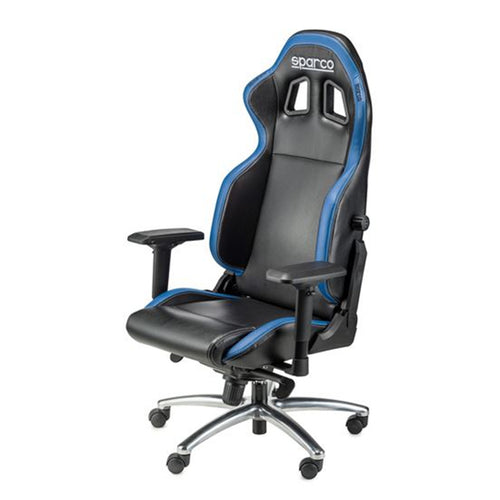
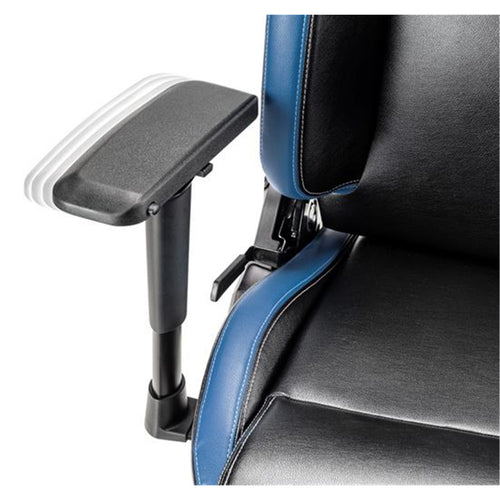
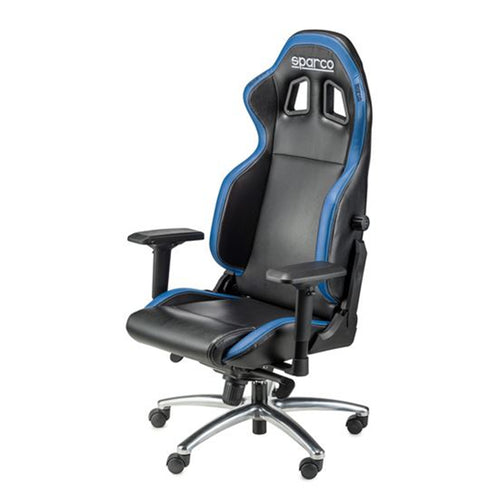
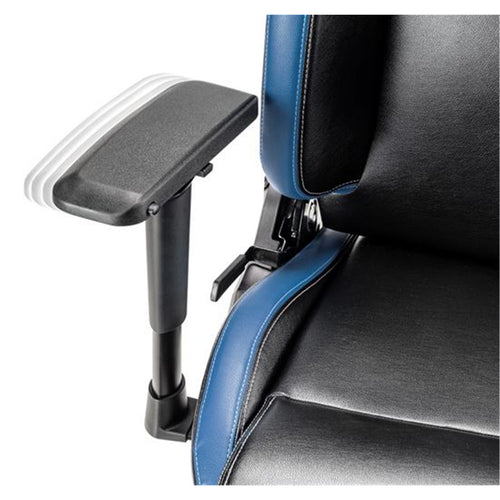
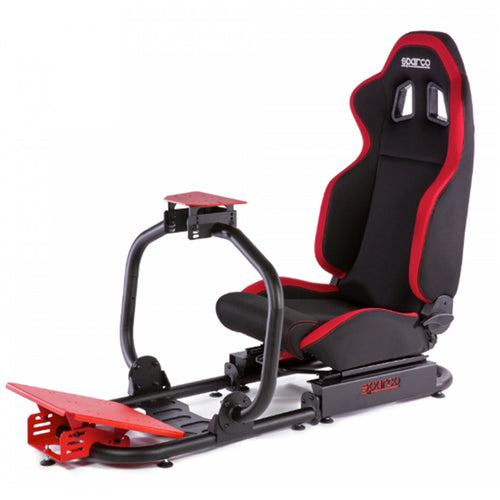
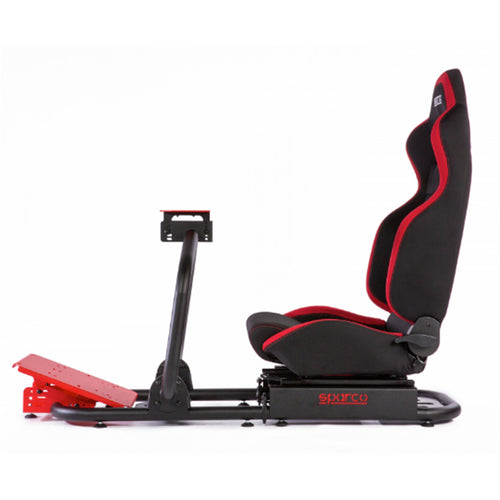
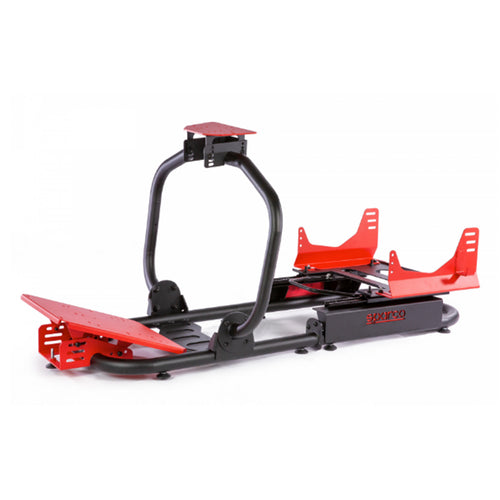
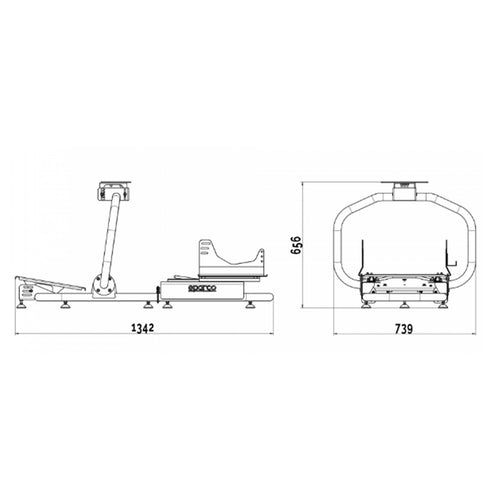
Sparco Racing 081986NRRS Cockpit - EVOLVE R101 (Frame Only)
Features
DOBE ARCADE STICK
The DOBE Arcade Stick is conveniently sized, durable, and not too light. It's primarily designed as a Retro PC / Arcade Game Controller with Directional Stick Movement, 8 Primary Buttons, and 6 mode select buttons.

PC / FIRST TIME SETUP
Remove your DOBE Arcade Controller from the packaging, on the rear of the device is a hatch that opens from the top middle of the controller. Inside you will find the Arcade Stick, a short MicroUSB to USB Type-A, a washer and small wrench tool, and a long (2.2 metre) bundled USB Type-A Cable that is connected internally.
Place the washer over the Arcade Controller Stick port, then hand-screw in the Stick in so it is secure. Attach the long, internally connected USB Type-A cable to a port on your PC, a BLUE LED indicator light will turn on to let you know it's connected. You can close the back hatch with the cable routed through the hole on the right side.
On Windows 10/11 the controller will be detected automatically as a USB Game Controller. You can test the 8-way directional stick and buttons using the 'SETUP USB GAME CONTROLLER' tool in Windows Control Panel.

CONSOLE SETUP
There is a USB piggyback port on the right side of the DOBE controller, connect the included short USB Type-A to MicroUSB cable, then connect your PlayStation 3/4 controller on the MicroUSB end. Boot your console and the DOBE controller will function.
This arcade stick is a clone of the DOBE TP-19302 and DOBE TNS-19059. The mini wrench is used to hold the bottom of the joystick in place while detaching the remainder of it, primarily the shaft and the ball top. You can reverse the process to put the joystick back together.
You can use a #2 Philips screwdriver (not included) to take out six screws from the bottom and then push the metal panel out through the USB compartment. One note regarding compatibility is that, for the Nintendo Switch, A and B button placements are reversed or swapped by default. Furthermore, only PlayStation 4 games with legacy support seem compatible.

Specifications
Technical Specifications
| Manufacturer | DOBE |
|---|---|
| Product No. | TP4-1886 |
| Colour | Black |
| Compatibility | PS5/PS4/Switch/Xbox/PC/Android |
| Brand | DOBE |
|---|---|
| Product Type | Gaming & VR > Console Accessories |
| Warranty |
|---|
Note:
Warranty period is as stated above unless the manufacturer has chosen to specify a longer period.
All warranties are return to base unless otherwise specified.
Shipping Information
- Free NZ-wide shipping on orders over $299
- Standard delivery 2–5 business days
- Rural delivery may take an additional 1–2 days
- Same-day dispatch for orders placed before 2pm (weekdays)
Returns Policy
- 7-day returns on unused items in original packaging
- Faulty or damaged products covered under warranty
- Contact our support team to initiate a return