


Logitech MeetUp 4K PTZ All-in-one Conference Video Bar
You May Also Like

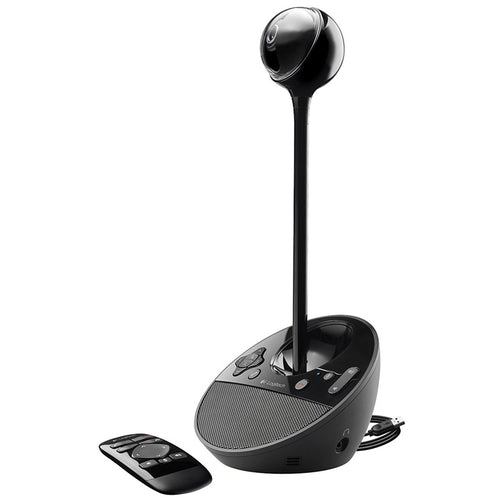
Features
MEETUP
All-in-one conferencecam with an ultra-wide lens for small rooms

MEET EASY
All-In-One Design
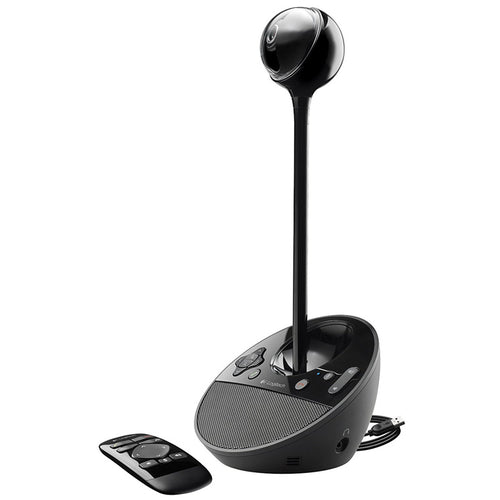
Designed for huddle rooms and other smaller spaces, MeetUp packs big features into a compact form factor.

Simple Setup
MeetUp connects to a computer or laptop via USB for easy installation and plug-and-play video conferencing.

Convenient Mounts
Compact dimensions and versatile mounting options conserve space and minimize visible cabling.

SPEAK EASY
Front-of-room alignment of voice and video is just the first step to natural conversations. RightSound™ technologies include a beamforming mic array that captures speech, while auto-leveling louder and softer voices and suppressing noise.
RIGHTSIGHT - Computer Vision
With RightSight™ computer vision, MeetUp automatically adjusts camera position and zoom to find and frame everyone in the room.

MAKE SPACE
Mounted at the display like a soundbar, MeetUp takes the speakerphone off the table to reduce cross-room cabling and maximize usable space.

SIMPLE TO MANAGE with Logitech Sync Device Management
Monitor and manage your meeting room devices from one single platform with Logitech Sync. Plus, get business insights into how your rooms are being used.

ENSURE BUSINESS CONTINUITY WITH SELECT SERVICE PLAN
Remove barriers to collaboration and ensure conference rooms are ready for the next meeting. Select is a service plan beneficial for all room sizes and deployments. Optimize uptime with expert assistance within one hour, fast product replacements, and premium Sync functionality to proactively resolve issues before they impact your business. With Select, we partner with you to reduce daily management, optimize performance, and help you maximize your investment.

ROOM SOLUTIONS WITH MEETUP
Get everything you need to build out small rooms for video meetings, including Logitech MeetUp, a compute platform (such as a mini PC, Meet compute system, or Logitech RoomMate), room-optimized software, and the Logitech Tap touch controller.

SUSTAINABILITY AT LOGITECH
Logitech is committed to creating a more sustainable world. We are actively working to minimize our environmental footprint and accelerate the pace of social change.

ADDITIONAL FEATURES
5X ZOOM
Perfectly frame presenters to minimize background distractions. Zoom in on whiteboards and objects so remote participants can see what you see. Thanks to its advanced 4K image sensor, video remains sharp and clear, even when you zoom in on the details.
PREMIUM CAMERA OPTICS
MeetUp features exquisitely engineered, premium camera optics that capture a wide field-of-view without distorting faces and furniture with a "fisheye" effect. Faces look natural, whiteboard writing remains legible, and straight lines stay straight.
EXTENDED RANGE
Logitech Expansion Mic for MeetUp provides greater flexibility in huddle room configurations. MeetUp's built-in beamforming mics are optimized for up to 4 meters. To extend that range up to 5 meters, add an Expansion Mic. So whether people are seated at a table, sitting against the wall, or walking around the room, Expansion Mic for MeetUp means everyone will be heard.
BLUETOOTH® SPEAKERPHONE
Already connected on your smartphone? Dialing into an audio conference? Pair MeetUp with your smartphone or tablet to enjoy outstanding audio clarity, volume, and range that handheld devices can't match.
TAKE CONTROL
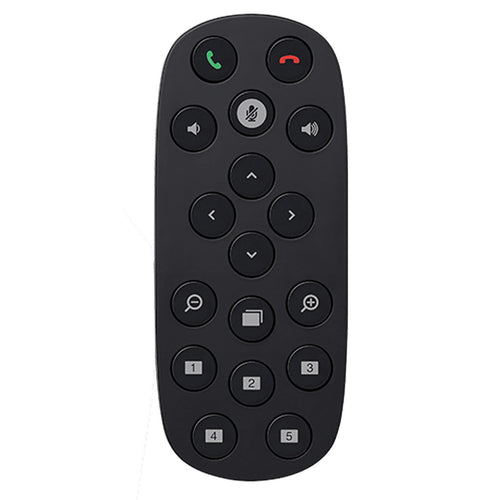
When you need to adjust the volume, mute the microphone, or take manual control over camera position, MeetUp' s remote control uses radio frequency (RF) signals for reliable and discreet control from anywhere in the room. You can even download the free Logi Remote app (available on iTunes) to control MeetUp with an iPhone or iPad.
WALL SAVER
No drilling? No problem. By attaching to the VESA mounting points behind the display, the optional TV Mount for MeetUp lets you position MeetUp above or below the display without drilling new holes.
RIGHTSENSE TECHNOLOGIES
Logitech RightSense™ proactive technologies make better video meetings easy and automatic. RightSound optimizes the human voice and enhances conversational clarity, RightSight automatically moves the camera and adjusts the zoom so no one gets left out of the picture, and RightLight helps everyone look their best on camera, regardless of lighting conditions.
TAA COMPLIANT
MeetUp is TAA compliant.
Specifications
Technical Specifications
| DIMENSIONS | Main unitHeight: 104 mmWidth: 73.3 mmDepth: 85 mmWeight: 1.04 kgRemote ControlHeight: 83 mmWidth: 83 mmDepth: 10 mm |
|---|---|
| COMPATIBILITY | Windows 10, Windows® 11 or later, macOS (two most recent versions)Chrome OS™ Version 29.0.1547.70 and higherUSB 2.0 port (USB 3.0 Port and cable required for 4K video) |
| RIGHTSENSE TECHNOLOGIES | Advanced technologies and design innovations that make video collaboration easy and automatic.RightLightLow-light compensationVideo noise reductionLow-light saturation optimizationRightSightHuman figure detectionAuto-frame participants at meeting startAuto-frame participants on-demandAuto-reframe when participants enter, leave, or change positionsRightSoundAEC (Acoustic Echo Cancellation)VAD (Voice Activity Detector)Background noise suppressionAuto-level loud and soft voicesPeak-limiting algorithm eliminates even momentary speaker clipping to prevent distortionAnti-vibration enclosure |
| COMPATIBILITY AND INTEGRATIONS | Plug-and-play USB connectivityCertifications- Certified for Skype® for Business and Microsoft® Teams- Zoom™ Certified- Tencent Certified- Certified for Google Hangouts Meet HardwareCompatibility- RingCentral- Microsoft Cortana- Cisco Jabber®- BlueJeans- BroadSoft™- Vidyo™and other video conferencing, recording, and broadcasting applications that support USB cameras TAA compliant. For applicable part numbers, visitwww.logitech.com/support/meetup-taa-compliance |
| Camera | Custom Logitech lens with 5x HD zoom and motorised pan (+/- 25°) and tilt (+/- 15°)Field of View: Diagonal: 120°, Horizontal: 113°, Vertical: 80.7°Total Room Coverage (field of view + pan and tilt): 163° wide x 110° tall3 camera position presetsRightSight auto-framing: Requires Windows 10 64-bit or macOS 10.14 or higher |
| Video Performance | 4K Ultra HD video calling (up to 3840 x 2160 pixels @ 30 fps with customer-supplied USB 3.0 cable)1080p Full HD video calling (up to 1920 x 1080 pixels @ 30 fps)720p HD video calling (up to 1280 x 720 pixels @ 30 fps) |
| Microphone | Integrated microphone with 3 beamforming elementsPickup Range- MeetUp: 4 m- With optional Expansion Mic: 5 mSensitivity: -27 dBMicrophone frequency response: 90Hz-16KHz for full voice reproduction and high intelligibility without noiseBeamforming performance: Factory-paired, very low distortion broadside beamforming algorithm steers the microphones directly at the talker for the best voice pickup and noise reductionAEC (Acoustic Echo Cancellation)VAD (Voice Activity Detector)Microphone background noise suppressionMicrophone date rate: 32KHz sampling rateRecommended # of participants: 6Recommended # of participants with expansion mic: 8 |
| Speaker | Volume adjustable to 95 dB SPL at 1/2 meter peakSpeaker sensitivity 86.5+/-3dB SPL at 1/2 meterDistortion: 200-300Hz < 3%, 3000 Hz -10KHz < 1%Patent-pending anti-vibration enclosure improves voice clarity while limiting sound transmission to adjacent spaces |
| General | Bluetooth wireless technologyRF remote controlIntegrated table/wall mount; optional TV mount availableKensington security slot |
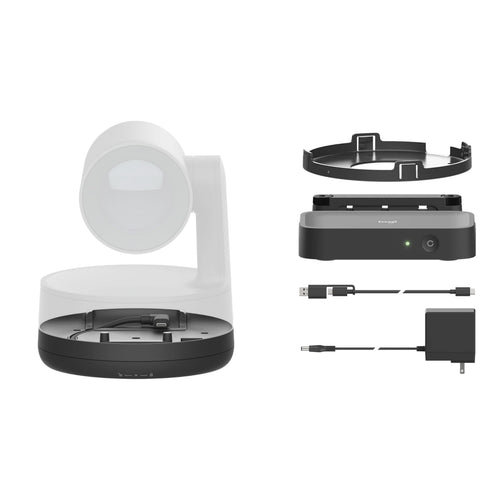
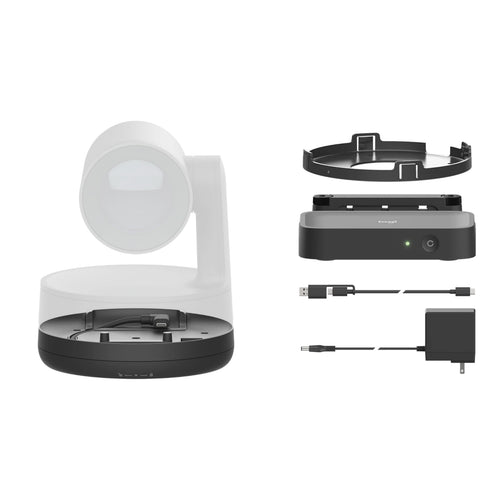
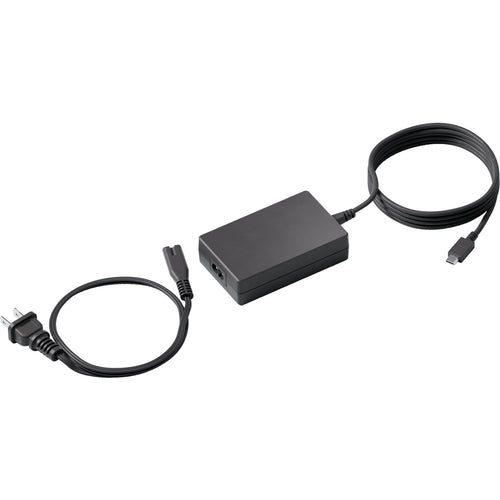
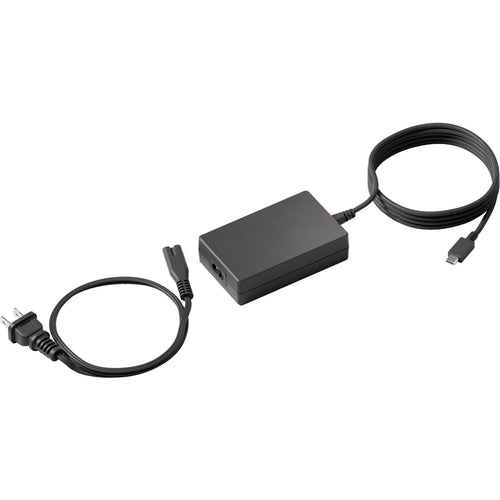
| PACKAGE CONTENTS | MeetUp ConferenceCamRemote controlUSB 2.0 cable: 5 mPower supplyWall mount and hardwareUser documentation |
| Brand | Logitech |
|---|---|
| Product Type | UC & Video Conferencing > Video Conferencing |
| Weight | 2.399 kg |
| Warranty |
|---|
Note:
Warranty period is as stated above unless the manufacturer has chosen to specify a longer period.
All warranties are return to base unless otherwise specified.
Shipping Information
- Free NZ-wide shipping on orders over $299
- Standard delivery 2–5 business days
- Rural delivery may take an additional 1–2 days
- Same-day dispatch for orders placed before 2pm (weekdays)
Returns Policy
- 7-day returns on unused items in original packaging
- Faulty or damaged products covered under warranty
- Contact our support team to initiate a return