

Microsoft Surface Pro Keyboard 13-Inch Bundle with Slim Pen (Platinum) for Surface Pro 13" ( 12/11/10th Edition)
You May Also Like
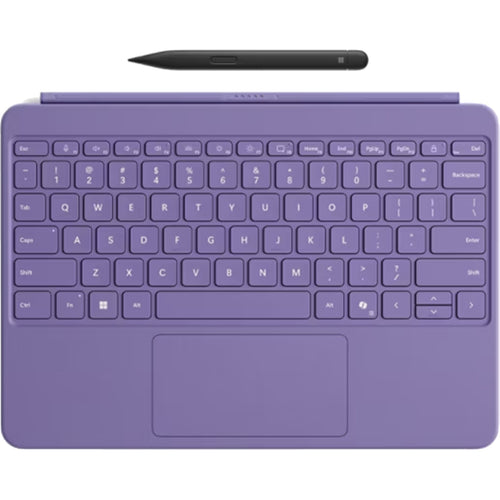
Microsoft Surface Pro 12-inch (1st Edition) Keyboard with Slim Pen - ( Violet ) for Surface Pro 12-Inch Only
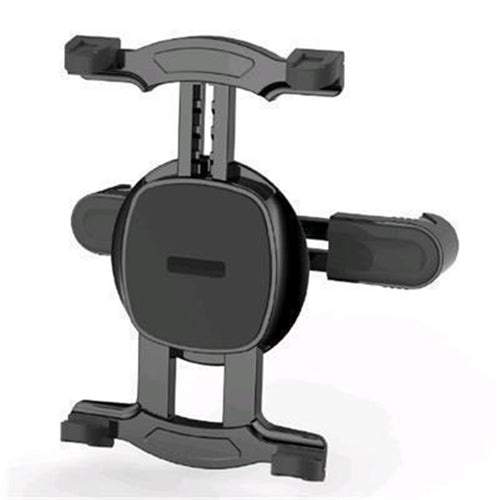
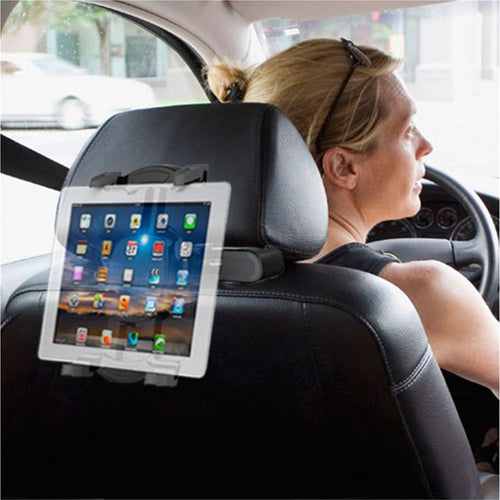
Loctek PAD618 7"-12" Tablet Backseat Car Headrest Mount Holder Compatible with iPad Galaxy Surface Tablet

Features
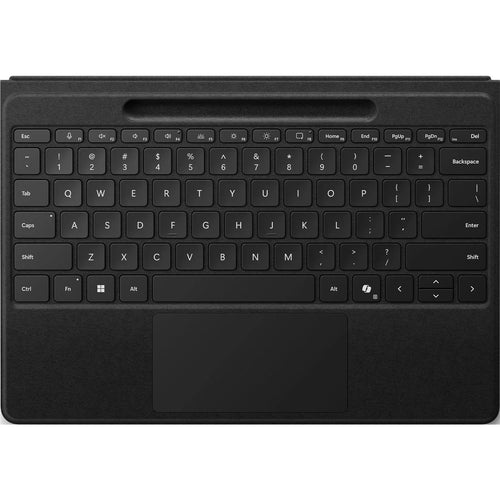
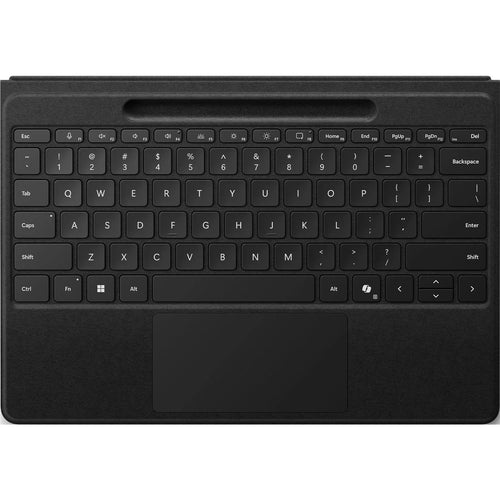
Next-level versatility comes in the perfect, premium keyboard, featuring a large glass touchpad and the new Copilot key1 for AI power at your fingertips. A built-in Surface Slim Pen; storage tray provides secure and easy recharging. Available in a choice of rich colours.

Quick access to three new keys
Instant Copilot - Unlock new possibilities with the dedicated Copilot key1, which gives you instant access to experiences that can enhance your productivity.
Mute quickly - Simply tap the key to quickly unmute or mute your microphone.
Snip in a snap - Effortlessly grab a screenshot with a key that gives you quick access to the snipping tool.

Natural inking at your fingertips
Sketch and write naturally on the screen with Surface Slim Pen, always ready and charged in the keyboard's storage tray.

An exceptional typing experience
Sleek and compact, this keyboard performs like a traditional laptop keyboard, complete with full mechanical keyset, backlit keys, and large glass touchpad for precise control and navigation.

Fast, fluid on-screen writing
Our best performing pen yet, with real-time writing, pinpoint accuracy and incredible shading thanks to a sharper pen tip and improved design.

Choose your colour
Available in rich colours and covered with durable Alcantara® material, this keyboard adds a rich texture to everyday tasks.
[1] Use Copilot key with supported Windows 11 devices; feature availability varies by device and market, see Key Support.
Specifications
Technical Specifications
| Surface Pro Keyboard with Slim Pen compatibility | Surface Pro, 11th EditionSurface Pro 10 for BusinessSurface Pro 9Surface Pro 8 |
|---|---|
| Surface Slim Pen (2nd Edition) designed for | Surface ProSurface Pro 8, 9Laptop Studio 1 and 2Surface Duo 2Surface Hub 2S and 3Surface Slim Pen (2nd Edition) TipsSurface Slim Pen (2nd Edition) Charger |
| Surface Pro Keyboard with Slim Pen dimensions | 289.1 mm x 226.1 mm x 4.89 mm (11.38 x 8.90 x 0.19 inches) |
| Surface Slim Pen (2nd Edition) dimensions | 136.8 mm x 11.3 mm x 6.3 mm (5.38 x 0.44 x 0.25 inches) |
| Surface Pro Keyboard with Slim Pen weight | 294 g (0.65 lb) |
| Surface Pro Keyboard with pen storage weight | 281 g (0.62 lb) |
| Surface Slim Pen (2nd Edition) weight | 13 g (0.03 lb) |
| Surface Pro Keyboard with Slim Pen exterior | Material: Alcantara®Colour: Platinum |
| Surface Slim Pen (2nd Edition) exterior | Material: plastic enclosureColour: Matte Black |
| Interface | Magnetic |
| Pen integration | Surface Slim Pen (2nd Edition) storage and charging |
| Keys | Activation: Moving (mechanical) keysLayout: QWERTY (English), full row of function keys (F1 - F12)Dedicated keys for Copilot3, microphone mute, snipping, Windows shortcuts, media controls, screen brightnessRight click button |
| Surface Pro Keyboard with Slim Pen sensors | Accelerometer |
| Surface Slim Pen (2nd Edition) buttons | Side button, Top Button with eraser functionality |
| Tactile signals - Surface Slim Pen (2nd Edition) | Haptic feedback4functionality compatible only with Windows 11 on:Surface Pro, Surface Pro 8, Surface Pro 9Surface Laptop Studio 1 and 2 |
| Surface Slim Pen (2nd Edition) pressure sensitivity4 | 4,096 pressure levelsZero force inking |
| Surface Slim Pen (2nd Edition) battery | Rechargeable Lithium IonAll-day battery life with typical usage |
| Surface Slim Pen (2nd Edition) battery capacities | Battery Capacity Nominal (WH) 0.171Battery Capacity Min (WH) 0.164 |
| What's in the box | Surface Pro Keyboard with Slim PenStartup Card/Warranty Guide |
| Notes | [3] Use Copilot key with supported Windows 11 devices; feature availability varies by device and market, seeKey Support.[4] Surface Slim Pen (2nd Edition) experiences and compatibility vary by which Surface device you are using it with.[5] Battery life varies significantly based on usage, network and feature configuration, signal strength, settings and other factors. |
| Brand | Microsoft |
|---|---|
| Product Type | Computers & Tablets > Tablets > Tablet Accessories |
| Weight | 0.65 kg |
| Warranty |
|---|
Note:
Warranty period is as stated above unless the manufacturer has chosen to specify a longer period.
All warranties are return to base unless otherwise specified.
Shipping Information
- Free NZ-wide shipping on orders over $299
- Standard delivery 2–5 business days
- Rural delivery may take an additional 1–2 days
- Same-day dispatch for orders placed before 2pm (weekdays)
Returns Policy
- 7-day returns on unused items in original packaging
- Faulty or damaged products covered under warranty
- Contact our support team to initiate a return