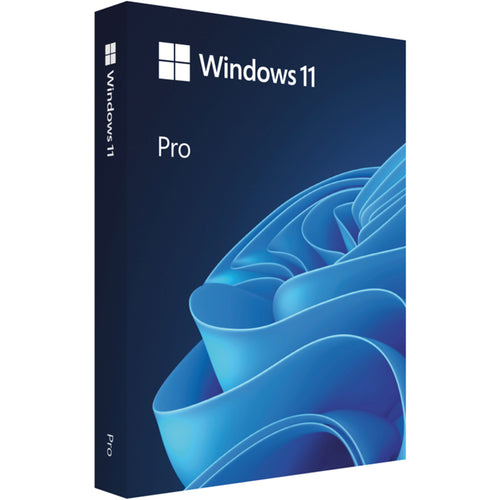
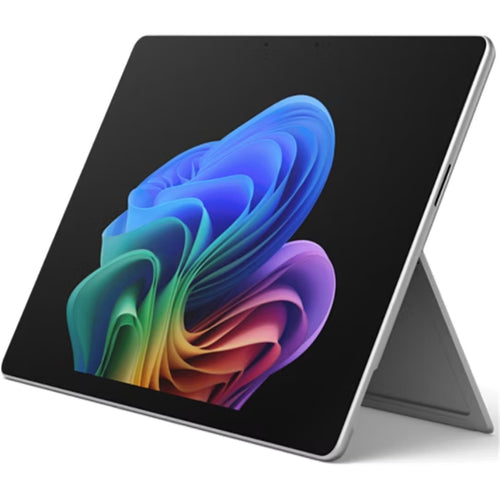
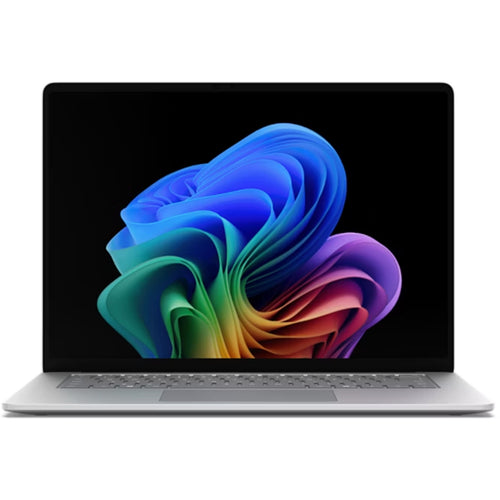
Microsoft WIN HOME FPP 11 64-bit Eng Intl USB
Features
Explore the world of Windows 11
Windows 11 gives you the power to create and collaborate easier.
Bring balance to your desktop
Windows 11 has easy-to-use tools that can help you optimise your screen space and maximise your productivity. Combine that with a Microsoft 365 subscription* and nothing will stop you from getting tasks done.
Organise windows with Snap Assist
Hop on a call. Find some answers. Finish that paper. When you've got a lot to do, snap can help you stay organised with ease.
Your content, curated
Your favourite photos. The world news. Today's to-do list and tomorrow's weather. Widgets help you find content that matters to you. It's all things "you" - always a swipe away.[1]
Refocus your workflow
PowerPoint, Microsoft Edge, Microsoft Teams-the apps* you need work seamlessly with new multi-tasking tools like Snap layouts, Desktops, and a new more intuitive redocking experience.
Life is better together
With Chat from Microsoft Teams, you can reach anyone however you prefer (call, chat, text, video) right from your desktop.[2]
The browser that puts you first
Work, play, shop, stream, connect-whatever you set out to do, Microsoft Edge on Windows 11 helps you do it with speed and security.
Work and play
The apps you need. The shows you love to watch. Find them fast in the new Microsoft Store.[10]
The latest in PC gaming performance
Play the latest games with graphics that rival reality. Play with players on console. Play with the peripherals that you love. When it comes to playing your way, Windows 11 makes it happen.[1] [6]
Never stop playing
Halo Infinite, Forza Horizon 5, Age of Empires IV-these are just some of the big names Xbox Game Pass gives you day one access to (subscription sold separately).[3]
* Some apps and games sold separately. Microsoft 365 subscription sold separately. Some layouts only available based on display resolution and scale settings.
1 Internet access required. Service fees may apply.
2 Certain features require specific hardware, see Windows 11 Specifications. Chatting via SMS is available in limited countries and will be made available to other geos on a rolling basis. Please refer to this page for more details. Internet access required; ISP fees may apply.
3 Xbox Game Pass subscription sold separately (https://www.xbox.com). May require additional hardware and subscriptions. Game titles, number, features and availability vary over time and by device, region and platform (https://www.xbox.com/regions). Recurring memberships are automatically charged at the then-current regular price (subject to change; plus applicable taxes) unless cancelled (account.microsoft.com/services).
6 Some apps and games sold separately.
7 Windows 11 upgrade is available for eligible PCs that meet minimum device specifications. Upgrade timing may vary by device. Internet service fees may apply. Features and app availability may vary by region. Certain features require specific hardware (see Windows 11 Specifications).
9 For computers with Windows 10 in S mode, download this version of PC Health Check app.
10 Certain apps only available through Microsoft Store app in Windows 11.
Specifications
Technical Specifications
| Operating System | Windows 11 |
|---|---|
| Edition | Home |
| Installation Media | USB |
| Processor | 1 gigahertz (GHz) or faster with 2 or more cores on a compatible 64-bit processor or System on a Chip (SoC). |
| RAM | 4 gigabyte (GB). |
| Storage | 64 GB or larger storage device Note: See below under "More information on storage space to keep Windows 11 up-to-date" for more details. |
| System firmware | UEFI, Secure Boot capable. Checkherefor information on how your PC might be able to meet this requirement. |
| TPM | Trusted Platform Module (TPM) version 2.0. Checkherefor instructions on how your PC might be enabled to meet this requirement. |
| Graphics card | Compatible with DirectX 12 or later with WDDM 2.0 driver. |
| Display | High definition (720p) display that is greater than 9" diagonally, 8 bits per colour channel. |
| Internet connection and Microsoft account | Windows 11 Home edition requires internet connectivity and a Microsoft account.For all Windows 11 editions, internet access is required to perform updates and to download and take advantage of some features. A Microsoft account is required for some features. |
| Brand | Microsoft |
|---|---|
| Product Type | More |
| Weight | 0.08 kg |
Shipping Information
- Free NZ-wide shipping on orders over $299
- Standard delivery 2–5 business days
- Rural delivery may take an additional 1–2 days
- Same-day dispatch for orders placed before 2pm (weekdays)
Returns Policy
- 7-day returns on unused items in original packaging
- Faulty or damaged products covered under warranty
- Contact our support team to initiate a return