


StarTech.com DK30C2DPEP USB-C & USB 3.0 Dual 4K Docking Station with 100W Power Delivery
You May Also Like
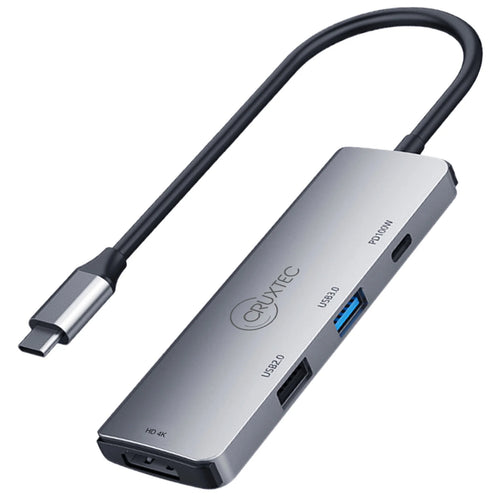
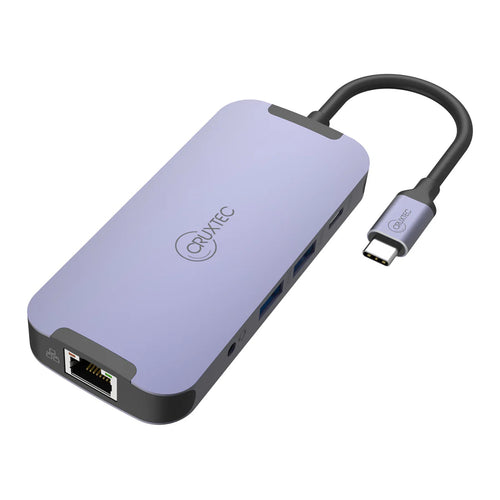
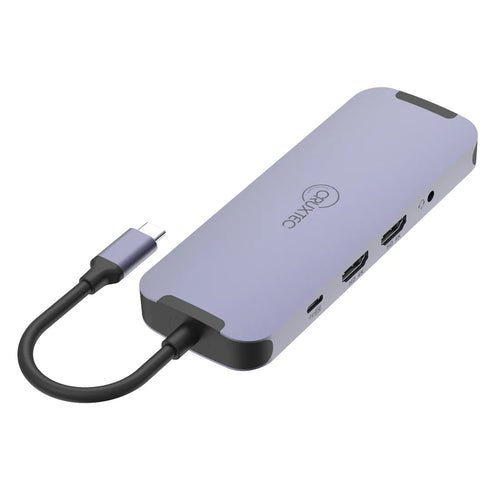
Cruxtec CDK10-SG USB-C to Dual HDMI, Multi- Screen output 4K60hz - Mini Docking
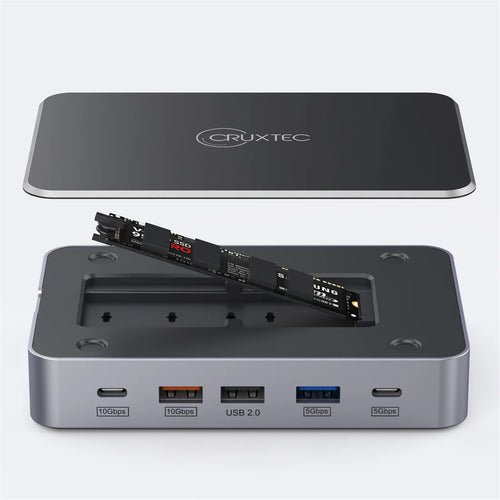
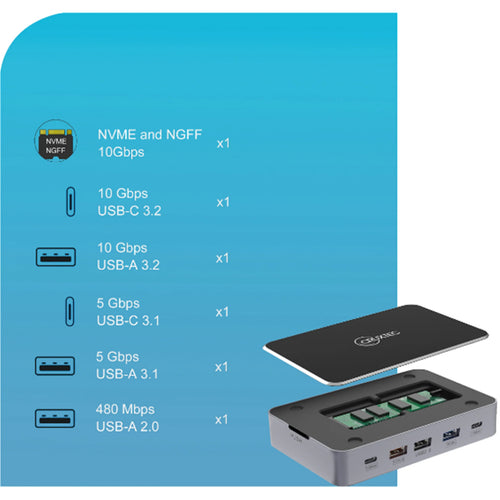
Cruxtec CDK14-SG 14-in-1 USB-C 100W Docking Station with Built-in M.2 Slot support upto 4TB -


Cruxtec CDK06-SG USB-C to Dual HDMI Display Mini Dock with 100W PD
Features
Transition from the legacy USB-A (USB 3.0) to the new USB-C with this certified universal laptop docking station for USB-C and USB-A laptops. The USB-C dock features 100W Power Delivery 3.0, dual HDMI and/or DisplayPort monitors, fast-charge, and both USB-C and USB-A peripheral ports.
The Uniquely Universal Host Cable
The USB-C dock comes with a universal host cable that is designed with an attached USB-C to USB-A adapter to accommodate USB-A laptops. The cable also features an extended length of 1 meter (3.3 ft.) to support a wide variety of workstation setups.

100W Power Delivery
For high performance laptops that require more charging power, the dock powers and charges your laptop as you work with 100W PD for faster charging, using the 170W power adapter - all through a single cable.
Flexible Monitor Connections
This is a dual 4K60Hz video docking station with support for both Ultra HD DisplayPort and/or HDMI monitors that lets you configure your video connections to best suit your needs.
Dual 4K DisplayPort | Up to 4096 x 2160p @ 60Hz
Dual 4K HDMI | Up to 4096 x 2160p @ 60Hz
Single 4K DisplayPort + Single 4K HDMI | Up to 4096 x 2160p @ 60Hz
Single 5K DisplayPort* | Up to 5120 × 2880
*Requires monitor support for 5K using two DP ports
Certified for Universal Compatibility & Reliability
This docking station is fully certified to meet top industry standards for USB-IF (USB 3.1 Gen 1, USB Type-C and Power Delivery), VESA DisplayPort and DisplayLink (video connections) certification to guarantee the highest quality, reliability, and compatibility.


Easy and Convenient Setup
For fast setup right out of the box, the combo cable (USB-C with attached USB-A adapter) lets you connect any laptop. The dock has mounting holes for workstation mounting (bracket not included).
The Connections You Need
Connect your devices with four USB 3.1 ports: 1x USB-C and 3x USB-A. Fast-charge your USB-C or USB-A smartphone. The dock provides a GbE port (PXE Boot support & Wake-on-LAN) and 3.5 mm 4-position headset audio jack. It also includes a security lock slot (K-slot) to protect against theft.


For more installation flexibility, you can use StarTech.com mounting brackets (SSPMSUDWM & SSPMSVESA) that are specifically designed for our docks and hubs, to mount your dock to a desk, wall, or other surfaces to give you the customized setup you need.
Connected Device Transparency with the StarTech.com MAC Address Changer Utility
the DK30C2DPEP, includes a free Windows® application that enables you to better manage your enterprise network security. When you connect to your network through the ethernet port of the DK30CHHPD, the computer's MAC address is typically not broadcast to the network, as your network only sees the MAC address of the docking station. However, the StarTech.com MAC Address Changer or Cloning software enables the USB-C dock to use MAC address spoofing of the connected Windows laptop rather than the MAC address of the dock itself. This ensures your network administrators have full visibility of each device on the network and can monitor and limit activity accordingly. To request access to our MAC Address Changer utility, please contact our Technical Support Department by phone, live chat, or e-mail.
The IT Pro's Choice Since 1985
StarTech.com conducts thorough compatibility and performance testing on all our products to ensure we are meeting or exceeding industry standards and providing high-quality products to IT Professionals. Our local StarTech.com Technical Advisors have broad product expertise and work directly with our StarTech.com Engineers to provide support for our customers both pre and post-sales.
DK30C2DPEP is backed by a StarTech.com 3-year warranty and free lifetime technical support.
Applications
Create a dual-display workstation using either a USB-C laptop or USB 3.0 laptop
Ideally suited for large enterprise, businesses and organizations using a mix of laptops
Effective in work environments working with sensitive data and applications
Ideal for hot-desking (hoteling or shared workstations), with universal compatibility

Specifications
Technical Specifications
| 4K Support | Yes |
|---|---|
| Bus Type | USB-CUSB 3.0 |
| Chipset ID | DisplayLink - DL6950`Genesys Logic - GL3523Fresco Logic - FL7102Fresco Logic - FL7201VIA Labs - VL160RealTek - RTL8153Texas Instruments - TS3A225E |
| Displays Supported | 2 |
| Fast-Charge Port(s) | Yes |
| Industry Standards | USB Power Delivery Specification Rev. 3.0USB Battery Charging Specification Rev. 1.2DisplayPort 1.2IEEE 802.3, IEEE 802.3u, IEEE 802.3abUSB 3.0 - Backward compatible with USB 2.0 and 1.1 |
| Interface | USB 3.0 |
| K-Lock Slot | Kensington Standard Slot (K-Slot) |
| Compatible Networks | 10/100/1000 Mbps |
| Full Duplex Support | Yes |
| Maximum Data Transfer Rate | 5 Gbps (USB 3.0)2 Gbps (Ethernet; Full-Duplex) |
| Maximum Digital Resolutions | 2x HDMI - 4096 x 2160p @60Hz2x DisplayPort - 4096 x 2160p @60Hz1x HDMI + 1x DisplayPort - 4096 x 2160p @60Hz1x 5K DisplayPort using 2 DP video ports - 5120 x 2880 @60HzLower resolutions are also supported. For example, if the max is 4096 x 2160p (4K), it also supports 3840 x 2160p (4K), 2560 x 1600p and 2560 x 1440p. |
| PXE | Yes |
| Type and Rate | USB 3.0 - 5 Gbit/s |
| UASP Support | Yes |
| Connector Type(s) | 2 - DisplayPort (20 pin) Female2 - HDMI (19 pin) Female1 - USB Type-C (Fast-Charge, 24 pin) USB 3.0 Female1 - USB 3.0 A (Fast-Charge, 9 pin) Female2 - USB Type-A (9 pin) USB 3.0 Female1 - Ethernet Gigabit Female1 - 3.5 mm Mini-Jack (4 Position) Female |
| OS Compatibility | Windows® 7, 8, 8.1, 10macOS 10.11 - 10.12, 10.14Chrome OS™ v55+ |
| Note | Not all USB-C ports support the full functionality of the USB Type-C standard. Ensure that your host USB-C port supports USB Power Delivery.4K resolution is supported on all 4 video ports. A 4K-capable DisplayPort or HDMI display is required to achieve 4Kx2K resolutionsIf connected to a USB 2.0 host port, or if using a USB 2.0 host connection cable, performance may be limited (USB 3.0 host cable included)USB 3.0 is also known as USB 3.1 Gen 1; this connectivity standard offers speeds up to 5Gbps5K resolution is supported by connecting the two DisplayPort video ports to a single 5K display. A 5K-capable display is required to achieve 5K (5120 x 2880 60Hz) resolutionsThe dock connects to the USB Type-C port or the USB Type-A port on your laptop. |
| System and Cable Requirements | USB-C enabled computer with an available USB Type-C port, or a USB-3.0 enabled computer with an available USB Type-A port |
| Center Tip Polarity | Positive |
| Input Current | 2.5 A |
| Input Voltage | 100 - 240 AC |
| Output Current | 8.5 A |
| Output Voltage | 20V DC |
| Plug Type | N |
| Power Consumption (In Watts) | 170 W |
| Power Delivery | 100W |
| Power Source | AC Adapter Included |
| Humidity | 0~95% RH |
| Operating Temperature | 0°C to 50°C (32°F to 122°F) |
| Storage Temperature | -20°C to 70°C (-4°F to 158°F) |
| Colour | Space Gray |
| Material | Plastic |
| Product Height | 1.2 in [3 cm] |
| Product Length | 8.7 in [22 cm] |
| Product Width | 3.1 in [80 mm] |
| Weight of Product | 9.9 oz [280 g] |
| Package Height | 3.5 in [90 mm] |
| Package Length | 10.6 in [27 cm] |
| Package Width | 6.1 in [15.5 cm] |
| Included in Package | 1 - Docking Station1 - USB-C Cable (with Attached USB-C to USB-A Adapter)1 - Universal Power Adapter (NA/JP, ANZ)1 - Quick-Start Guide |
| Brand | StarTech.com |
|---|---|
| Product Type | Computers & Tablets > Docking Stations |
| Weight | 0.5 kg |
| Warranty |
|---|
Note:
Warranty period is as stated above unless the manufacturer has chosen to specify a longer period.
All warranties are return to base unless otherwise specified.
Shipping Information
- Free NZ-wide shipping on orders over $299
- Standard delivery 2–5 business days
- Rural delivery may take an additional 1–2 days
- Same-day dispatch for orders placed before 2pm (weekdays)
Returns Policy
- 7-day returns on unused items in original packaging
- Faulty or damaged products covered under warranty
- Contact our support team to initiate a return