


StarTech.com ICUSB232C - USB C to Serial Adapter - USB C to RS232
You May Also Like


Promate IHINGE-LT-GRY 2-in-1 Audio & Charging Adaptor Lightning Connector - Grey
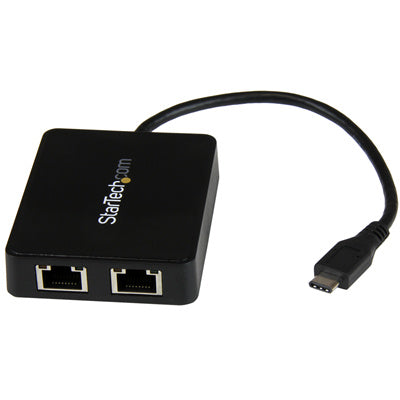
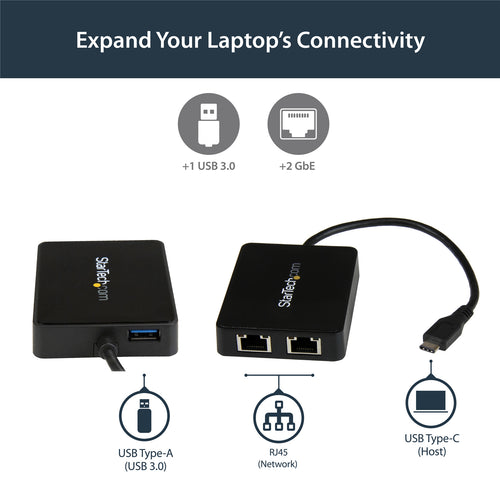
StarTech.com US1GC301AU2R USB-C to Dual Gigabit Ethernet Adapter with USB Type-A Port


StarTech.com CDPVGDVHDMDP USB-C Multiport Video Adapter - Aluminum - USB-C to VGA/HDMI/Mini DisplayPort/DVI Adapter - Display Adapter
Features
Connect an RS232 (DB9) peripheral to your USB-C device
- USB-C TO SERIAL: Interface with Serial RS-232 (DB9) equipment using this black USB Type-C Serial adapter converter cable; Male DB9 connector features screw-lock nuts; Cable length of 16" [40 cm]
- TECH SPECS: 921.6 Kbps baud | 512 byte FIFO | Data bits of 5/6/7/8 and stop bits 1/1.5/2 | Parity Modes of None, Xon/Xoff, RTS/CTS, DTR/DSR | Flow control options Odd/Even/Mark/Space/None
- APPLICATIONS: Using your laptop's USB-C port, control serial equipment such as PLCs, scanners, sensors, oscilloscopes, medical, scales or receipt printers; Use in manufacturing, scientific, automation
- HOST COMPATIBILITY: Driverless setup for easy install; Tested on major operating systems, including Windows 7 and up, macOS 10.11 and up, Linux 2.6 and up; USB bus powered
This USB-C™ to serial adapter lets you connect your USB-C devices to your legacy serial equipment. It converts a USB-C port on your laptop or computer into a RS232 DB9 serial port, giving you a cost-saving way to connect to serial devices such as point-of-sale terminals, serial modems, industrial equipment, and a wide variety of other RS232 peripherals.
Connect with ease
The RS232 adapter cable is compatible with Windows®, macOS and Linux® operating systems, which makes it easy to integrate into mixed environments.
Ready for mobile or desktop applications
The USB-C to serial adapter is USB powered, so you don't need an additional external power supply. It's a compact solution that's easy to bring along with your laptop, when you're on the go.
Applications
- IT administrators looking to add legacy functionality to newer notebooks, PCs and servers that lack an integrated RS232 port
- Connect bar code scanners, receipt printers and other point of sale devices
- Connect, monitor and control industrial/automotive sensors and other sensitive equipment
- Connect and program LED and digital signage boards
Specifications
Technical Specifications
| Connector Type(s) | 1 - USB Type-C (24-pin) USB 2.0 (480Mbps)1 - DB-9 (9 pin, D-Sub) |
|---|---|
| Operating Temperature | 0°C to 60°C (32°F to 140°F) |
| Storage Temperature | -20°C to 80°C (-4°F to 176°F) |
| Humidity | 0~65% RH |
| Ports | 1 |
| Interface | Serial |
| Bus Type | USB-C |
| Port Style | Cable Adapters |
| Industry Standards | USB 1.1/2.0 RS232 |
| Chipset ID | Prolific - PL2303GT |
| Shipping (Package) Weight | 50.0 g [1.8 oz] |
| Package Quantity | 1 |
| Package Length | 13.7 cm [5.4 in] |
| Package Width | 19.9 cm [7.8 in] |
| Package Height | 2.1 cm [0.8 in] |
| Serial Protocol | RS-232 |
| Max Baud Rate | 921.6 Kbps |
| Data Bits | 5, 6, 7, 8 |
| FIFO | 512 Bytes |
| Flow Control | None, Xon/Xoff, RTS/CTS, DTR/DSR |
| Parity | Odd, Even, Mark, Space, or None Parity Modes |
| Stop Bits | 1, 1.5, 2 |
| MTBF | 30,000 Hours |
| Color | Black |
| Cable Length | 43 cm [16.9 in] |
| Product Length | 43.0 cm [16.9 in] |
| Product Width | 3.5 cm [1.4 in] |
| Product Height | 2.0 cm [0.8 in] |
| Weight of Product | 36.0 g [1.3 oz] |
| Power Source | USB-Powered |
| OS Compatibility | Windows® 7, 8.1, 10, 11Windows Server® 2008 R2, 2012 R2, 2016, 2019, 2022macOS 10.11 and 10.15, 11.0, 12.0, 13.0, 14.0, 15.0, 26.1Linux 2.6.x and up - LTS Versions only |
| Microsoft WHQL Certified | Yes |
| System and Cable Requirements | One available USB-C port |
| Included in Package | 1 - serial adapter cable1 - quick-start guide |
| Brand | StarTech.com |
|---|---|
| Product Type | PC Peripherals > Adapters |
| Weight | 0.023 kg |
| Warranty |
|---|
Note:
Warranty period is as stated above unless the manufacturer has chosen to specify a longer period.
All warranties are return to base unless otherwise specified.
Shipping Information
- Free NZ-wide shipping on orders over $299
- Standard delivery 2–5 business days
- Rural delivery may take an additional 1–2 days
- Same-day dispatch for orders placed before 2pm (weekdays)
Returns Policy
- 7-day returns on unused items in original packaging
- Faulty or damaged products covered under warranty
- Contact our support team to initiate a return