


Synology DiskStation DS223j 2-Bay NAS Server
You May Also Like
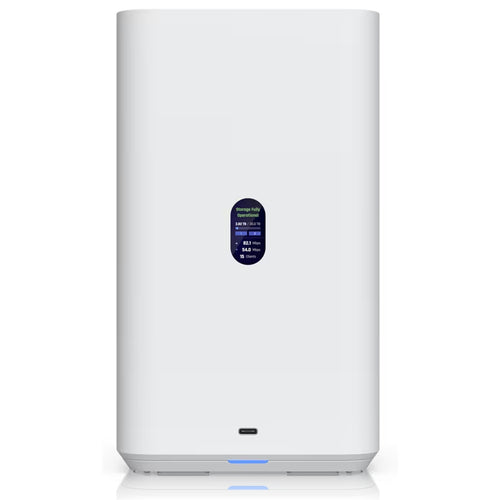
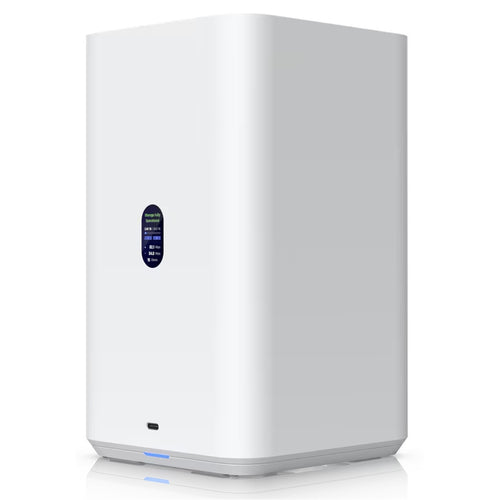
Ubiquiti UNAS-2-W 2.5Gbps Desktop NAS with (2) 3.5" Drive Bays - White


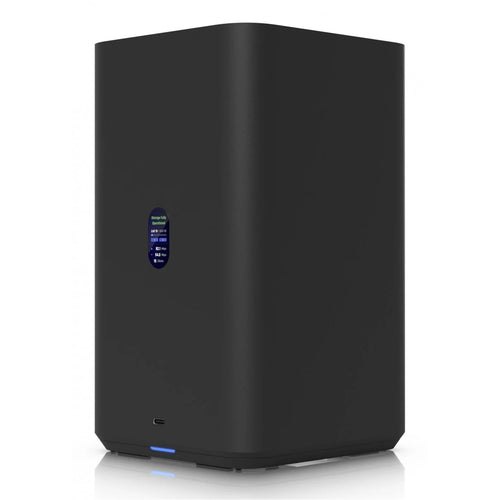
Ubiquiti UNAS-2-B 2.5Gbps Desktop NAS with (2) 3.5" Drive Bays - Black
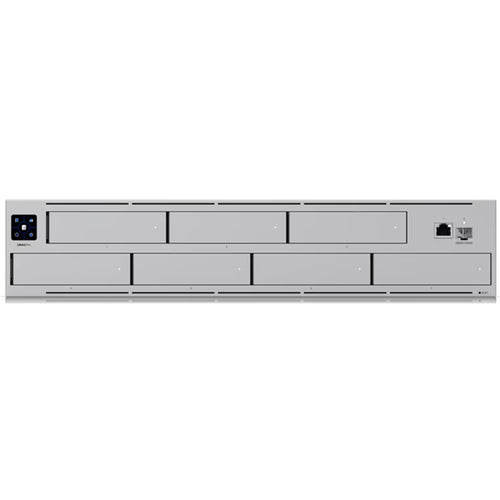
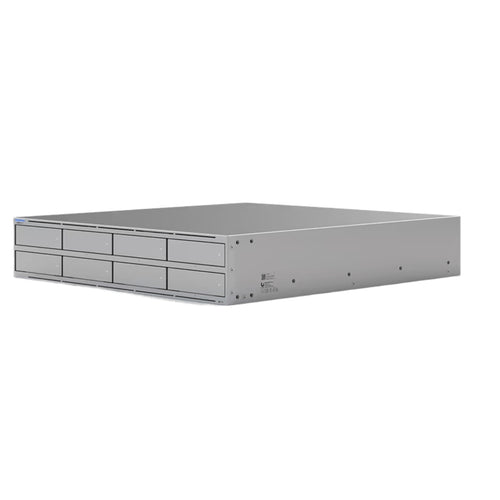
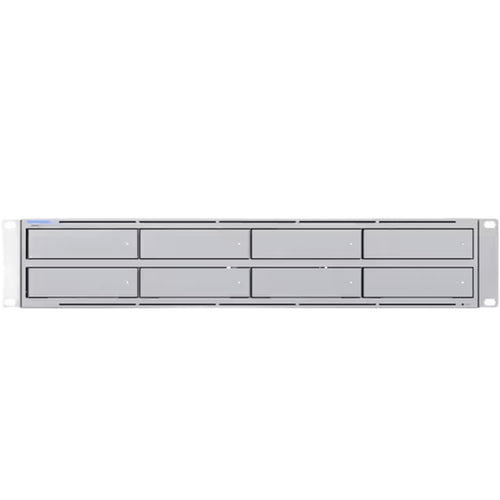
Ubiquiti UNAS-Pro 2U 10Gbps Rack-Mount NAS with (7) 2.5/3.5" Drive Bays
Features
DiskStation DS223j
Compact, quiet, and energy-efficient storage

All-in-one platform to organize your data
Secure private cloud
Anywhere, anytime secure access to all your data.
Easy sharing and syncing
Safely access and share files and media from anywhere.
Comprehensive data protection
Hardware and software engineered to protect your data - trusted by millions.
Built for sharing
DS223j is designed for small teams to share, sync, and collaborate more efficiently.
Multi-platform file access
Manage your files and media from anywhere with Synology Drive. Available on PC, Mac, Linux, Chromebook, Android, iOS, or any device equipped with a browser.

Real-time collaboration
Stay productive while working in a team or with your clients. Work together across different platforms using Synology Office.

Sync across sites
Keeping data synced between different sites has never been easier. Synology Drive ShareSync keeps files and folders synchronized across Synology systems.

Seamless synchronization to clouds
Sync files between your private cloud and public cloud storage platforms, including Google Drive, Dropbox, Microsoft OneDrive, and more with Synology Cloud Sync. Retain local copies of your cloud data to centralize management and achieve data ownership.

Your data in safe hands with Btrfs[1]
The advanced Btrfs file system helps safeguard data against corruption through file self-healing and allows for the reversal of unintentional or malicious changes through fast snapshot technology.

Store, share, and protect
Configure your DS223j to manage all your documents, photos, and other files, or protect your physical assets with professional video surveillance.
Photo management
Manage your photo collection
Organize your photos and videos with smart and intuitive features. Browse automatically generated albums using facial recognition, geolocation, tags, and more.
Sharing made safer and easier
Securely share media with colleagues or clients while leveraging privacy-focused options for your peace of mind. Collaborate with selected users on a folder-based media library by creating a Shared Space.

Data protection
Automated media backup
Automatically upload photos and videos taken on your mobile device to your private cloud with Synology Photos or Synology Drive.
Protection against cyberattacks
Leverage Synology Drive to protect data from ransomware attacks or accidental deletion with real-time or scheduled backup of your PC folders.

Video surveillance
Wide compatibility
Choose from over 8,300 IP cameras or ONVIF devices compatible with Synology Surveillance Station to keep your premises secure.[2]
Universal access
Watch live camera streams through web browsers, desktop clients, or mobile apps. Get notified of events and take immediate action.

Add an extra layer of protection
Perform full Synology system backups
Back up your entire Synology device, including system settings and applications, or select specific folders. Transfer all backup data to multiple destinations using Hyper Backup.[3]
Keep your data safe with snapshots
Take your data protection to the next level by creating automatic point-in-time snapshots of shared folders that can be copied off-site and rapidly restored using Snapshot Replication.[1]

DiskStation DS223j
1 - Status Indicator
2 - LAN Indicator
3 - Drive Status Indicators
4 - Power Button and Indicator
5 - Fan
6 - 1GbE RJ-45 Port
7 - USB 3.2 Gen 1 Ports
8 - Reset Button
9 - Power Port
10 - Kensington Security Slot

Notes:
1. Feature available from DSM 7.2.
2. Surveillance Station includes 2 free licenses. Connecting more cameras and devices requires additional licenses.
3. C2 Storage for Hyper Backup requires purchase of an eligible annual or monthly subscription. A free trial is available for each newly registered Synology Account. Learn more
Specifications
Technical Specifications
| CPU Model | Realtek RTD1619B |
|---|---|
| CPU Quantity | 1 |
| CPU Architecture | 64-bit |
| CPU Frequency | 4-core 1.7 GHz |
| Hardware Encryption Engine | Yes |
| System Memory | 1 GB DDR4 non-ECC |
| Notes | Synology reserves the right to replace memory modules with the same or higher frequency based on supplier's product life cycle status. Rest assured that the compatibility and stability have been strictly verified with the same benchmark to ensure identical performance. |
| Drive Bays | 2 |
| Compatible Drive Type* | 3.5" SATA HDD2.5" SATA SSD (with optional 2.5" Disk Holder) |
| Hot Swappable Drive* | - |
| Notes | "Compatible drive type" indicates drives that have been tested to be compatible with Synology products. This term does not indicate the maximum connection speed of each drive bay. |
| RJ-45 1GbE LAN Port | 1 |
| USB 3.2 Gen 1 Port* | 2 |
| Notes | This device's 1GbE LAN ports have a maximum transmission unit (MTU) size of 1,500 bytes.The USB 3.0 standard was renamed to USB 3.2 Gen 1 by the USB Implementers Forum (USB-IF) in 2019. |
| Internal Drives | BtrfsEXT4 |
| External Drives | BtrfsEXT4EXT3FATNTFSHFS+exFAT |
| Notes | Btrfs file system is available from DSM 7.2-64570. |
| Size (Height x Width x Depth) | 165 mm x 100 mm x 225.5 mm |
| Weight | 0.88 kg |
| System Fan | 92 mm x 92 mm x 1 pcs |
| Fan Speed Mode | Full-Speed ModeCool ModeQuiet ModeLow-power Mode |
| Brightness Adjustable Front LED Indicators | Yes |
| Power Recovery | Yes |
| Noise Level* | 18.2 dB(A) |
| Scheduled Power On / Off | Yes |
| Wake on LAN / WAN | Yes |
| Power Supply Unit / Adapter | 60 W |
| AC Input Power Voltage | 100V to 240V AC |
| Power Frequency | 50/60 Hz, Single Phase |
| Power Consumption | 16.31 W (Access)4 W (HDD Hibernation) |
| British Thermal Unit | 55.62 BTU/hr (Access)13.64 BTU/hr (HDD Hibernation) |
| Notes | Noise Level Testing Environment: Fully loaded with Seagate 2TB ST2000VN000 hard drive(s) in the idle state. Two G.R.A.S. Type 40AE microphones, each set up 1 meter away from the Synology NAS at the front and rear. Background noise: 16.49-17.51 dB(A); Temperature: 24.25-25.75°C; Humidity: 58.2-61.8% |
| Operating Temperature | 0°C to 40°C (32°F to 104°F) |
| Storage Temperature | -20°C to 60°C (-5°F to 140°F) |
| Relative Humidity | 5% to 95% RH |
| Certification | FCCCEBSMIVCCIRCMUKCAEACCCCKC |
| Environment | RoHS Compliant |
| Packaging Content | Main Unit X 1Accessory Pack X 1AC Power Adapter X 1AC Power Cord X 1RJ-45 LAN Cable X 1Quick Installation Guide X 1 |
| Maximum Single Volume Size | 108 TB |
| Maximum Internal Volume Number | 64 |
| Supported RAID Type | Synology Hybrid RAIDBasicJBODRAID 0RAID 1 |
| RAID Migration | Basic to RAID 1 |
| Volume Expansion with Larger HDDs | Synology Hybrid RAIDRAID 1 |
| Volume Expansion by Adding a HDD | Synology Hybrid RAID |
| Notes | Usable capacity for each volume will be lower than the maximum volume size and is dependent on the filesystem and the amount of system metadata stored.Actual maximum storage pool and volume sizes depend on drive sizes used, the number of drive bays available, and the RAID configuration. |
| File Protocol | SMB/AFP/NFS/FTP/WebDAV |
| Maximum Concurrent SMB/AFP/FTP Connections | 100 |
| Windows Access Control List (ACL) Integration | Yes |
| NFS Kerberos Authentication | Yes |
| Notes | The testing standard was based on the maximum number of concurrent connections supported by this model. During the testing, 25% of the connections were used to transfer files concurrently. The transfer process guaranteed that the connections were not interrupted; the minimum transfer speed was not guaranteed. |
| Maximum Local User Accounts | 1,024 |
| Maximum Local Groups | 256 |
| Maximum Shared Folder | 256 |
| Maximum Shared Folder Sync Tasks | 4 |
| Folder and Package Backup | Yes |
| Syslog Events per Second | 200 |
| Networking Protocols | SMB1 (CIFS), SMB2, SMB3, NFSv3, NFSv4, NFSv4.1, NFS Kerberized sessions, iSCSI, HTTP, HTTPs, FTP, SNMP, LDAP, CalDAV |
| Supported Browsers | Google ChromeFirefoxMicrosoft EdgeSafari |
| Supported Language | English, Deutsch, Français, Italiano, Español, Dansk, Norsk, Svenska, Nederlands, Polski, Magyar, Português do Brasil, Português Europeu, Türkçe, Ceský |
| Notes | For an updated list of supported browser versions, check the DSM Technical Specifications from Synology website. |
| Brand | Synology |
|---|---|
| Product Type | Networking > NAS Devices |
| Weight | 1.8 kg |
| Warranty |
|---|
Note:
Warranty period is as stated above unless the manufacturer has chosen to specify a longer period.
All warranties are return to base unless otherwise specified.
Shipping Information
- Free NZ-wide shipping on orders over $299
- Standard delivery 2–5 business days
- Rural delivery may take an additional 1–2 days
- Same-day dispatch for orders placed before 2pm (weekdays)
Returns Policy
- 7-day returns on unused items in original packaging
- Faulty or damaged products covered under warranty
- Contact our support team to initiate a return