


TP-Link Omada EAP673-Extender (AX5400) Dual-Band 6-Stream Wi-Fi 6 Access Point / Mesh Extender with 1GbE x1 (AC Powered)
You May Also Like

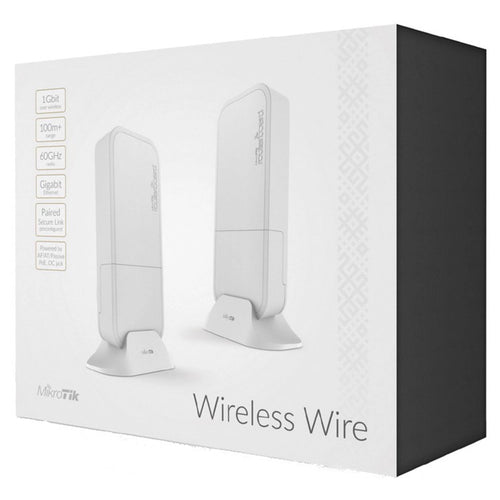
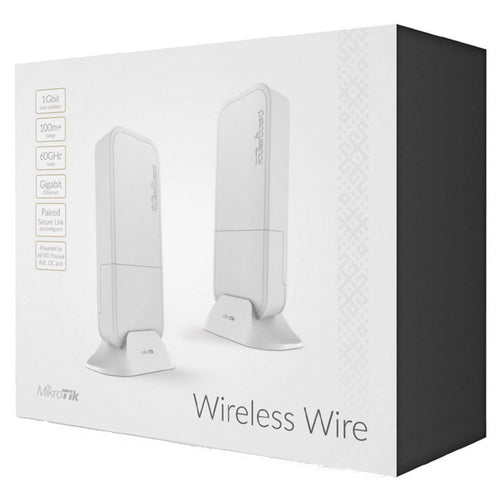
RBwAPG-60adkit - MikroTik Wireless Wire 1Gbps 60GHz Wireless Bridge Kit
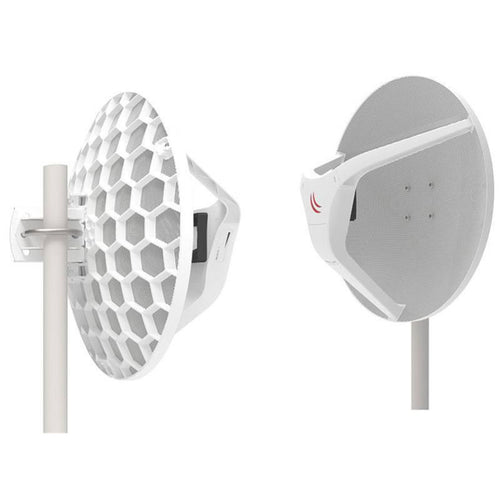
RBLHGG-60adkitr2 - MikroTik Wireless Wire Dish Preconfigured 60GHz Pair
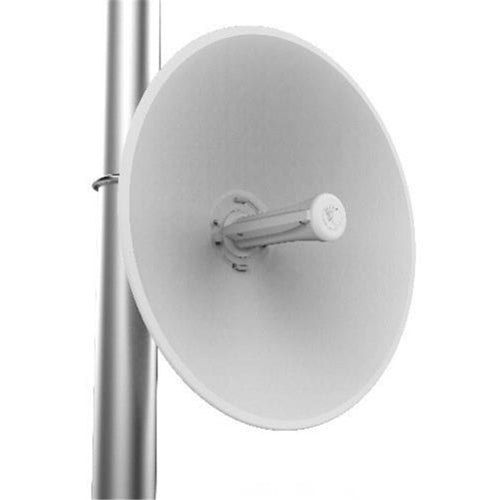
Cambium Networks C050910C801A - Cambium ePMP 5 GHz Force 300-25 High Gain Radio
Features
AX5400 Mesh Wi-Fi 6 Extender
- AX5400 Dual-Band Wi-Fi 6: Up to 5.4 Gbps wireless speeds .†
- Wi-Fi Dead-Zone Killer: Four high-gain external antennas extend Wi-Fi signals to every dead zone.
- AP Mode: Simply plug in an Ethernet cable to create a new Wi-Fi AP.
- Seamless Mesh Networking: Supports Omada Mesh and Roaming for reliable networking, ideal for large-scale scenarios.§
- Easy & Quick Installation: Standard AC power supply for flexible deployment.
- Quick adoption: Conveninet operation via Omada web or app once the extender powers on.
- Centralised Cloud Management: Integrates into Omada SDN for cloud access and remote management.
Seamless Coverage to Remove Dead Zones
EAP673-Extender, featuring four high-gain antennas and mesh technology, eliminates dead zones, extending coverage by 1500 ft² (140 m²) . Enjoy seamless roaming for uninterrupted connectivity.

Effortless Installation with AC Power
Overcome cabling challenges with EAP673-Extender, delivering seamless Wi-Fi via AC power. Enjoy stable, high-performance coverage-no extra wires needed.

AP Mode for Flexible Deployment
EAP673-Extender's built-in AP mode delivers a robust, stable Wi-Fi signal without a PoE switch or infrastructure renovations, enhancing flexibility and reducing costs.

Specifications
Technical Specifications
| Interface | 1× Gigabit Ethernet Port |
|---|---|
| Physical Security Lock | No |
| Button | Reset, LED |
| Power Supply | 100-240 V ~ 50/60 Hz |
| Power Consumption | 18 W |
| Dimensions | 6.3 × 3.1 × 1.5 in (160 × 80 × 37.8 mm) |
| Antenna | 4× External Antennas- 2.4 GHz: 2× 3 dBi- 5 GHz: 4× 5 dBi |
| Mounting | Plug in |
| Coverage | 140 ? (1500 ft²)*** |
| Concurrent Clients | 250+** |
| Wireless Standards | IEEE 802.11ax/ac/n/g/b/a |
| Frequency | 2.4 GHz and 5 GHz |
| Signal Rate | - 5 GHz: Up to 4804 Mbps- 2.4 GHz: Up to 574 Mbps |
| Wireless Functions | - 16 SSIDs (Up to 8 SSIDs on each band)- Enable/Disable Wireless Radio- Automatic Channel Assignment- Transmit Power Control (Adjust Transmit Power on dBm)- QoS(WMM)- Seamless Roaming§- Beamforming- Rate Limit- Load Balance- Airtime Fairness- Band Steering- Reboot Schedule- Wireless Schedule- RADIUS Accounting- MAC Authentication- Wireless Statistics- Static IP/Dynamic IP |
| Wireless Security | - Captive Portal Authentication§- Access Control- Wireless Mac Address Filtering- Wireless Isolation Between Clients- VLAN- Rogue AP Detection- 802.1X Support- WPA-Personal/Enterprise, WPA2-Personal/Enterprise, WPA3-Personal/Enterprise |
| Transmission Power | - CE:<20 dBm (2.4 GHz, EIRP)<23 dBm (5 GHz, band1 & band2, EIRP)<30 dBm (5 GHz, band3, EIRP)- FCC:<25 dBm (2.4 GHz)<28 dBm (5 GHz) |
| Omada App | Yes |
| Centralized Management | - Omada Hardware Controller- Omada Software Controller- Omada Cloud-Based Controller |
| Cloud Access | Yes. Requiring the use of Omada Hardware Controller, Omada Cloud-Based Controller, or Omada Software Controller. |
| Email Alerts | Yes |
| LED ON/OFF Control | Yes |
| Management MAC Access Control | Yes |
| SNMP | v1, v2c, v3 |
| System Logging Local/Remote Syslog | Yes |
| SSH | Yes |
| Web-based Management | Yes |
| Management VLAN | Yes |
| Zero-Touch Provisioning | Yes. Requiring the use of Omada Cloud-Based Controller. |
| Certification | CE, FCC, IC, RoHS, UL |
| Package Contents | - AX5400 Mesh WiFi 6 Extender EAP673-Extender- Installation Guide |
| Environment | - Operating Temperature: 0-40 ? (32-104 ?)- Storage Temperature: -40-70 ? (-40-158 ?)- Operating Humidity: 10-90% RH non-condensing- Storage Humidity: 5-90% RH non-condensing |
| Brand | TP-Link |
|---|---|
| Product Type | Networking > Network Accessories > Antennas |
| Weight | 0.65 kg |
| Warranty |
|---|
Note:
Warranty period is as stated above unless the manufacturer has chosen to specify a longer period.
All warranties are return to base unless otherwise specified.
Shipping Information
- Free NZ-wide shipping on orders over $299
- Standard delivery 2–5 business days
- Rural delivery may take an additional 1–2 days
- Same-day dispatch for orders placed before 2pm (weekdays)
Returns Policy
- 7-day returns on unused items in original packaging
- Faulty or damaged products covered under warranty
- Contact our support team to initiate a return