210-BRKN - Dell Pro Thunderbolt4 SmartDock-SD25TB4
Features
Engineered for success
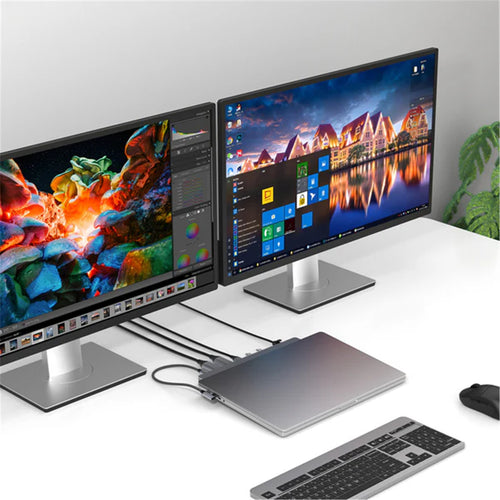
Maximise your AI PC productivity by seamlessly using Gen AI tools across up to four 4K 60Hz displays, staying powered with up to 130W power delivery, and connecting all your peripherals effortlessly.

More manageable and secure
Elevate the IT management experience by directly managing your smart docks from the Dell Device Management Console - no PC connection or software required.

More manageable
Reduce IT efforts by scheduling updates during off-hours, while ensuring fleetwide firmware compliance and eliminating end user interruptions.
Effortless maintenance
Remotely configure, deploy and update smart docks over Wi-Fi via a holistic peripheral management solution.
Unlock out-of-band management on select Intel vPro® PCs with Intel® Active Management Technology (Intel® AMT) over Thunderbolt via the connected dock.
Work securely
Keep users working confidently with enterprise-grade WPA-3 192-bit encryption for secure Wi-Fi communication. Safeguard your sensitive data with tamper-resistant, hardware-based encryption built into your Dell Pro Thunderbolt 4 Smart Dock.
Connect your way
Configure your workspace to your liking with an ambidextrous USB-C cable that can be routed left or right.

Designed for sustainability
The Dell Pro Thunderbolt 4 Smart Dock is built with post-consumer recycled materials with recycled or renewable packaging.

Specifications
Technical Specifications
| Connectivity Technology | Wired |
|---|---|
| Number of Displays Supported | 4 |
| Management Features | Host PC ManagementIntel® AMT over Thunderbolt™ with select Intel® vPro® PCsMAC address pass-throughPXE BootDock Power Button SyncWake-On-LANWLAN to LAN switchKernel Direct Memory Access (DMA) protectionDock Management FeaturesRemote firmware updates without a PCHost-based firmware updatesFirmware update on disconnectPort Disablement independent of PC |
| Device Supported | Notebook |
| DP1.4 / DP2.1 with Display Stream Compression | Up to:4 x 4K (3840x2160) @ 60Hz3 x 4K (3840x2160) @ 60Hz2 x 6K (6144 x 3456) @ 60Hz1 x 8K (7680 x 4320) @ 60Hz |
| DP1.4 without Display Stream Compression | Up to:4 x QHD (2560x1440) @ 60Hz3 x WQHD (3440 x 1440) @ 60Hz2 x 4K (3840x2160) @ 60Hz1 x 5K WUHD (5120 x 2160) @ 60Hz |
| Ethernet Technology | RJ45 Ethernet port, 2.5GbE |
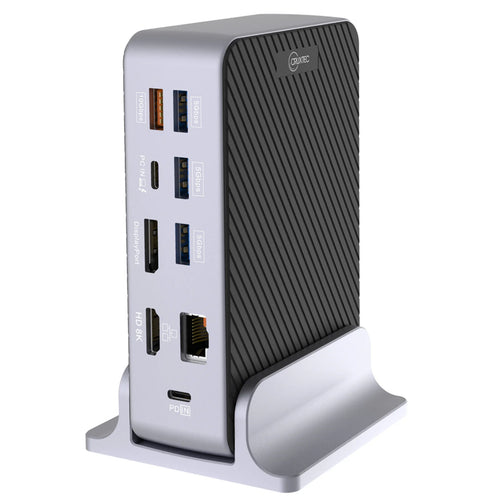
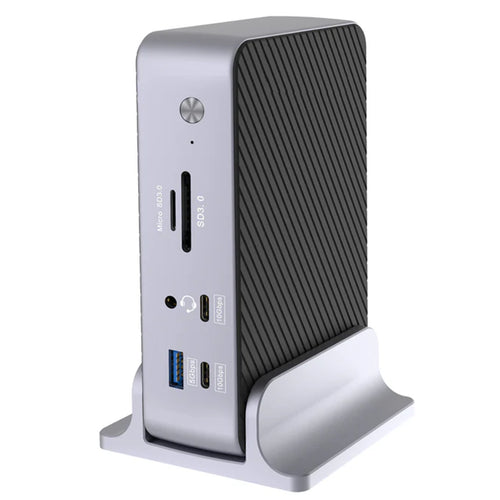
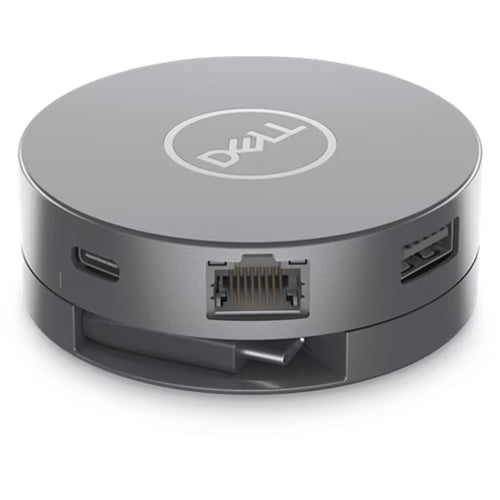
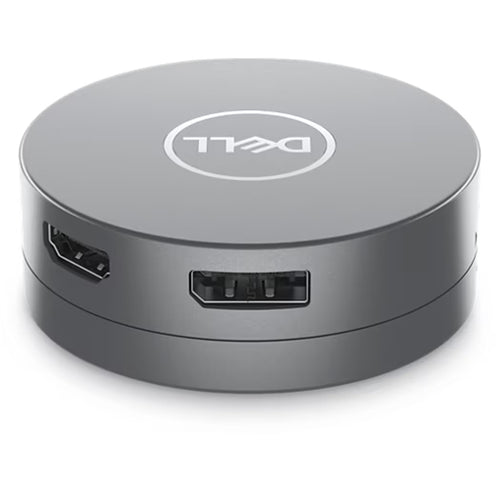
| Interfaces | Video interfaces2 x DP1.41 x HDMI 2.11 x USB-C 3.2 Gen 2 Multi-function DisplayPort 1.42 x Thunderbolt 4USB Ports (Data Only)4 x USB-A 3.2 Gen 2 (10 Gbps)1 x USB-C 3.2 Gen 2 (10 Gbps)USB Ports (Power)4 x USB-A 3.2 Gen 2 (4.5W each)1 x USB-C 3.2 Gen 2 (15W)1 x USB-C Multi-function DisplayPort (7.5W)2 x Thunderbolt 4 (15W each)All deliver power with or without PCUSB Power Delivery130W (Dell systems)96W (non-Dell systems) |
| Operating System Supported | Windows 10Windows 11UbuntuRed Hat Enterprise LinuxChromeOSmacOS |
| Maximum Power Supply Wattage | 180W |
| Height | 205mm |
| Width | 90mm |
| Depth | 35.25mm |
| Weight (Approximate) | 579g |
| Package Contents | Docking StationPower Adapter and Power CordDocumentation (Quick Start Guide, Safety, Environmental, and Regulatory Information) |
| Kensington Security Slot | Yes |
| Brand | Dell |
|---|---|
| Product Type | Computers & Tablets > Docking Stations |
| Weight | 0.748 kg |
| Warranty |
|---|
Note:
Warranty period is as stated above unless the manufacturer has chosen to specify a longer period.
All warranties are return to base unless otherwise specified.
Shipping Information
- Free NZ-wide shipping on orders over $299
- Standard delivery 2–5 business days
- Rural delivery may take an additional 1–2 days
- Same-day dispatch for orders placed before 2pm (weekdays)
Returns Policy
- 7-day returns on unused items in original packaging
- Faulty or damaged products covered under warranty
- Contact our support team to initiate a return