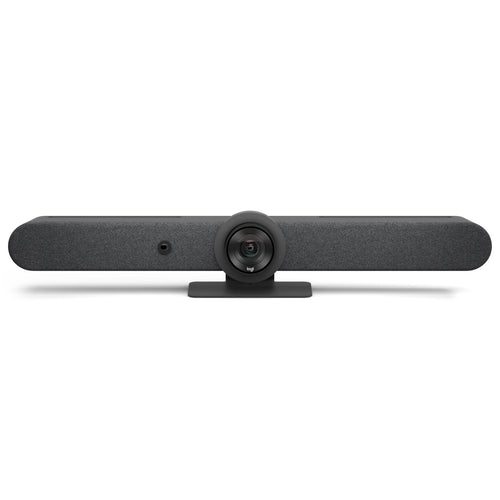
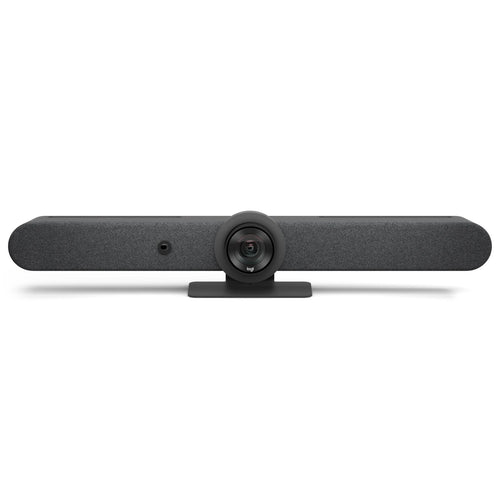
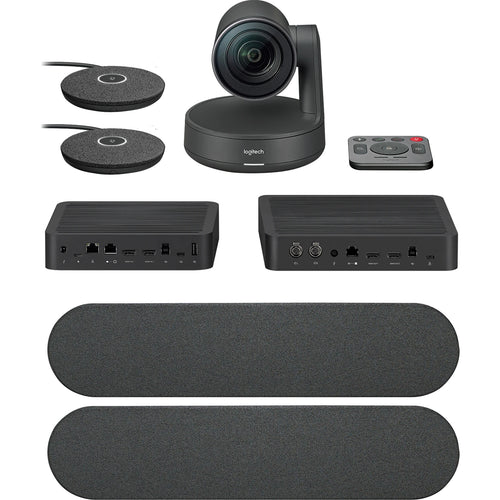
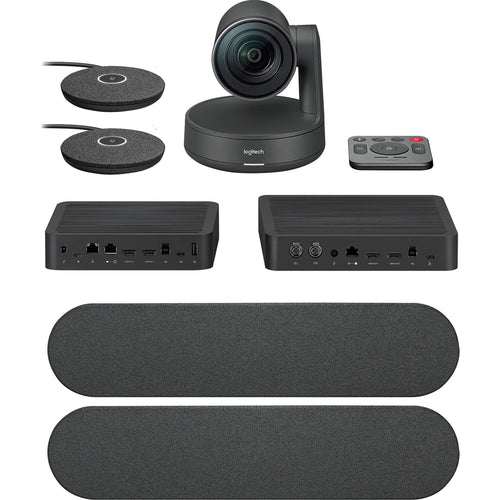
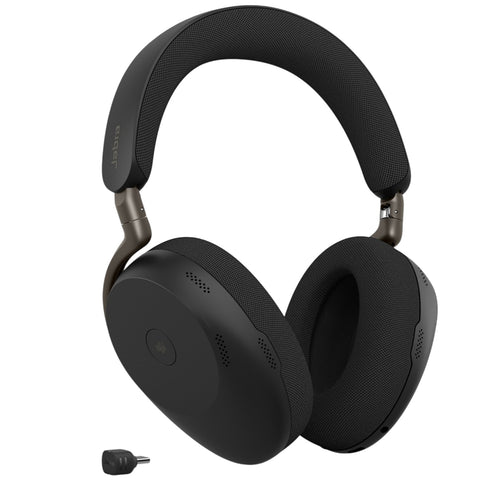
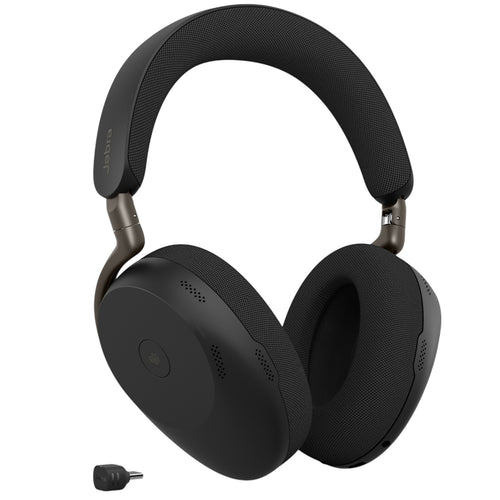
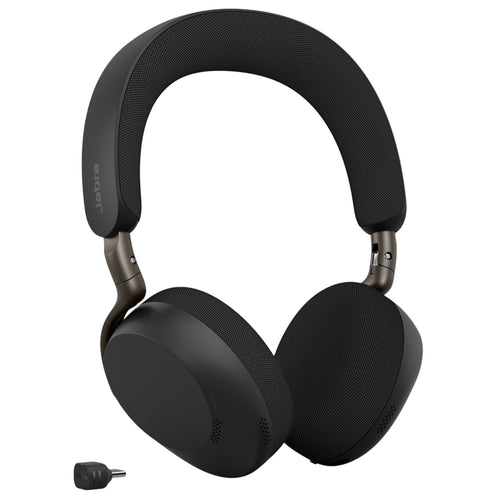
Jabra Express Install Bundle with PanaCast40 V
Features
Jabra PanaCast 40
Jabra PanaCast 40 VBS
Big ideas are born in small rooms
Say hello - Introducing the PanaCast 40 VBS
Gone are the days of searching for suitable meeting rooms for your video calls and battling with complex setups. Because with Jabra, you can turn even the smallest of meeting rooms into places where productivity and collaboration thrive. It's time for a video conferencing solution that helps you make the most of your small meeting spaces.
Video & Audio - See more. Hear more. Include more.
From huddle rooms to small meeting rooms, PanaCast 40 VBS can maximise every small meeting space. Its unique 180° field-of-view ensures everyone is seen and included - even those close to the screen, in the corner or sitting against the wall. No distortion. No blind spots. Just a 4K panoramic view of every in-room participant and a 4X digital zoom that captures the entire meeting space.
With outstanding audio, every voice is heard too.
- An array of beamforming, noise-cancelling microphones
- An impressive speaker
- Aux-Out for assistive listening devices
Artificial intelligence - AI-powered features. More natural conversations.
There's nothing quite like being face-to-face. But with its cutting-edge AI-powered video features, PanaCast 40 VBS bar only comes close.
Designed for more natural, productive hybrid meetings, it offers multiple views, tracks who's talking, adjusts views, and brings speakers into focus - so remote participants feel just as present as those in the room.
Intelligent Experiences
Dynamic Composition in Microsoft Teams
Single-stream dynamic Composition includes close up views of up to 4 people in the room plus a full room view.
Dynamic Composition in Zoom
Single-stream dynamic Composition includes close up views of up to 4 people in the room plus a full room view.
Intelligent Meeting Space
Define virtual meeting space boundaries t only include the people inside the meeting space; ideal for glass-walled spaces.
Intelligent Zoom
Uses powerful AI to dynamically adjust and frame in-room meeting participants for optimal collaboration.
Virtual Director
Powered by an intelligent Edge-AI chipset, Virtual Director uses AI-based video and audio streams, as well as our proprietary intelligent algorithms to automatically detect who's speaking and intelligently adjust the picture to focus on them, recreating the natural adjustment your eyes would make if you were speaking face-to-face. This helps remote participants follow all of the action as it happens, so no one misses a single detail.
Zoom Smart Gallery (Multi-stream)
Shares 3 speaker streams from the room plus a full room view.
EASY INSTALLATION
From box to first meeting in under 12 minutes with a secure, wall-mounted installation*
* Based on GN internal UX testing, March 2025.
Unique packaging designed for streamlined installation, with labelled windows enabling provisioning
Simply fix the integrated hinge to the wall or attach it to a VESA mount, table stand or tripod.
Clutter-free cable management for a no-fuss, clean with flexible deployment options.
Software + Security - Secure and simple to manage
PanaCast 40 VBS is built on the Microsoft Device Ecosystem Platform (MDEP) for robust security and peace of mind, and supported by our scalable, secure Jabra+ platform for remote management and updates of all your Jabra video devices in real-time.
Samsung QB50C
Slim design. Stunning performance.
Introducing QBC, the slimmest display in Samsung's Professional Display range. It brings elegance to business while maximising space. With built-in solutions and intuitive home screen UX, the QBC is easy to use and helps enable businesses in various verticals to achieve growth with its efficiency and design innovation.
Maximum impact in minimum space - Ultra Slim Depth
The QBC's ultra-slim thickness of 28.5mm makes it the thinnest option in Samsung's UHD 4K series. Its sleek design and Slim Fit Wall Mount[1], helps you optimise space and install it neatly in a wide range of business environments.
[1] Slim Filt Wall Mount must be purchased separately.
Clean visuals in landscape or portrait mode - Even Bezel
The QBC's bezels are consistent and even on all four sides of the display, with the same thickness and dimensions. The new even bezel design[2] helps prevent visual issues from arising when the display is adjusted to portrait mode.
[2] When compared to Samsung's previous UHD signage models.
Secure and even mounting - Centred VESA Holes[3]
The central positioning of the VESA holes on the back of the display helps evenly distribute its weight for secure mounting. With the VESA holes positioned in the centre, this helps prevent the display from tilting unintentionally when adjusted into portrait mode.
[3] The position of the VESA holes may vary slightly by model.
Lifelike colour expression - Dynamic Crystal Colour
The QBC series features Dynamic Crystal Display, using 10 bit processing for vivid colour expression, allowing viewers to enjoy a wide spectrum of colours.
* Images simulated for illustrative purposes only.
View lifelike shades of colour in powerful 4K - Quantum Processor Lite 4K[4]
Intelligent UHD upscaling technology, made possible by Samsung's Crystal Processor 4K, enables content developed at a lower resolution to be elevated to UHD-level quality. It also performs edge restoration and noise reduction to help optimise on-screen text and imagery.
* Images simulated for illustrative purposes only. "Conventional" refers to Samsung's FHD models.
[4] Viewing experience may vary according to type of content and format. Picture quality of upscaled content varies depending on resolution of source content.
Connect with convenience - Home User Interface (UI)
The QBC series' home screen UI displays popular categories like Favourites, Sources and Settings on the same screen for convenience. The Favourites folder grants users quick, easy access to frequently used features.
Streamlined calibration between screens with mobile app - Smart Calibration[5]
Maintain brand consistency across every display in every location. Using the Samsung mobile app, Smart Calibration helps ensure every display is calibrated correctly, showcasing brand logos and other collateral in the exact colours required.
* Images simulated for illustrative purposes only.
[5] App is available for download via the Android Play Store. Solution is managed via direct Wi-Fi between display and mobile device.
Enhance professional environments with expert tools - Professional Modes
Built-in professional modes enable more possibilities in specific verticals. Director Mode minimises post-processing enhancements, helping to align content to the director's original intention. Medical teams can simulate medical images such as X-rays with DICOM Simulation Mode[6], meeting DICOM's full greyscale standards.
[6] DICOM: Digital Imaging and Communications in Medicine. Display provides a simulated experience and is not intended for diagnosis purposes.
Smooth and virtually seamless content playback - MagicINFO S10 Player[7]
The embedded MagicINFO™ S10 player, backed by the powerful Tizen operating system, helps boost the overall performance of the display and offers painless management. This helps ensure seamless transitions and playback to deliver a better experience for both customers and store managers.
[7] MagicINFO licence must be purchased separately.
Everyday Sustainability - Energy Star and EPEAT Certification
Samsung is making diverse efforts to reduce our environmental impact in smart display, and encouraging users to pursue a more sustainable life. The QBC series has earned a series of certifications for environmentally preferable products from highly recognised institutes in the U.S[8].
[8] QBC series has earned an ENERGY STAR 8.0 certification from the Environmental Protection Agency for its energy efficiency and an Electronic Product Environmental Assessment Tool (EPEAT) certification in recognition of its eco-conscious efforts, such as its recycled plastic use.
Specifications
Technical Specifications
| Box contents | PanaCast 40 VBS, Jabra Control IP, USB-C to USB-C cable (3m/9.8ft), Power supply, Privacy cover, 1 x HDMI cable 1.83m/6ft, 1 x regional power cable |
|---|---|
| Operating system | Android 13 |
| Packaging dimensions (WxHxD) | 866 x 110 x 210 mm | 34.13 x 4.34 x 8.28 in |
| Main unit dimensions (WxHxD) | 530 x 105 x 60 mm | 20.87 x 4.13 x 2.37 in |
| Main unit weight (base unit) | 1.8 kg | 3.9 lbs |
| Package weight | 4.19 kg | 9.22 lbs |
| Onboard AI | Yes |
| Cable management | Yes |
| Kensington lock compatible | Yes |
| Operating voltage | 100-240V |
| LED features and functions | Firmware update status, Mute/unmute, Power indicator, Streaming |
| Certifications and compliance | Microsoft Teams Rooms, Zoom Rooms, ADA |
| Room size | Up to 4.5m x 4.5m | 15ft x 15ft |
| Video input | 1 x HDMI |
| Supported display resolution | Supports up to 4K, Touch Display Compatible |
| Content sharing | Apple Airplay (only supported by Zoom), HDMI input, Microsoft TeamsCast (only supported by Teams) |
| Number of cameras | 2 |
| Type of camera | Dual camera panoramic |
| Camera resolution | Up to 3840 x 1080 px |
| Zoom | Up to 4x digital zoom |
| Field of view | Horizontal: 180°, Vertical: 50° |
| Intelligent Meeting Space | Yes |
| Multi-stream Dynamic Composition | Yes |
| Dynamic Composition | Yes |
| Virtual director | Yes |
| Support secondary external USB camera | Yes |
| Speaker frequency range | 80Hz - 20000Hz |
| Number of speakers | 1 |
| Automatic Speaker Detection | Yes |
| Full Duplex | Yes |
| Noise Reduction Echo Cancellation | Yes |
| Number of microphones | 6 |
| Microphone sensitivity | -37dBFS |
| Microphone frequency range | 100Hz - 16000Hz |
| Aux-Out for assistive listening devices | 3.5mm jack |
| Media encryption | Provided by VaaS Partner |
| Access management | Jabra+; Jabra WebConsole; Local account; VaaS Admin Portals including MS Teams Admin Center and Zoom Device Management |
| Security management | Remote log in via Jabra+, Jabra WebConsole and VaaS Admin Portal |
| Authenticated access to Admin settings, Jabra WebConsole, Jabra+ | Yes |
| Account password strength check and enforcement | Yes |
| Device locked down for security | Yes |
| Lockdown with secureboot, OS verified boot, Vendor lock | Yes |
| Log retrieval via Jabra Web Console | Yes |
| Microsoft and Zoom based VaaS account authentication | Yes |
| Interfaces | USB-A, USB-C, Ethernet (RJ45), HDMI,Wi-Fi, 3.5mm jack port |
| Bluetooth version | 5.2 |
| Supported USB versions | USB 2.0, USB 3.0 |
| Recommended USB cable length | Up to 3m | 9.8ft |
| Internet Protocol | (IP) IPv4, IPv6 |
| Ethernet | 10/100/1000 Mbps |
| Auto-MDIX | Yes |
| Support DHCP | Yes |
| Support Static IP Address | Yes |
| Simple Certificate Enrollment Protocol | Yes |
| System requirements | Compatible with Android 13 |
| Compatible software and apps | Jabra+; Jabra WebConsole for remote device management via HTTPS; Support for native 3rd party applications, including Microsoft Teams Room for Android and Zoom Rooms; Cloud service providers including Microsoft Teams Admin Center and Zoom Device Management |
| Appliance mode | Yes |
| BYOD mode | Yes |
| Digital pan/tilt/zoom | Yes |
| Manual Pan-Tilt-Zoom (PTZ) | Yes |
| One touch meeting join | Yes |
| Camera privacy cover | Yes |
| Weight | 670.72g | 23.63oz |
| Display size | 10.1″ |
| Display orientation | Landscape |
| Display resolution | 1920 x 1200 |
| PoE | Yes |
| Power over ethernet (PoE) | IEEE 802.3af |
| Position angle | 0° / 25° |
| Proximity sensor | 2 sensors |
| Kensington lock compatible | Yes |
| Diagonal Size | 50" |
| Panel Type | VA |
| Resolution | 3,840 x 2,160 |
| Pixel Pitch (HxV) | 0.285x0.285mm |
| Brightness (Typ) | 350 nit |
| Contrast Ratio5 | 4,000:1 |
| Viewing Angle (H/V) | 178/178 |
| Response Time | 10ms |
| Color Gamut | 72% (NTSC) |
| Glass Haze | 2% |
| H-Scanning Frequency | 30~81kHz |
| Maximum Pixel Frequency | 594MHz |
| V-Scanning Frequency | 48~75Hz |
| Contrast Ratio (Dynamic) | Mega |
| Operation Time Support | 16/7 |
| HDMI In | 3 |
| DP In | No |
| DVI In | N/A |
| Version of HDMI | 2 |
| Version of DP | No |
| Version of HDCP | 2.2 |
| Tuner In | N/A |
| USB | 2 |
| IR In | Yes |
| HDBaseT In | N/A |
| Audio In | No |
| Audio Out | Stereo Mini Jack |
| Video Out | N/A |
| Power Out | N/A |
| RS232 In | Yes |
| RS232 Out | Yes |
| RJ45 In | Yes |
| RJ45 Out | N/A |
| WiFi | Yes |
| 3G Dongle | N/A |
| Bluetooth | Yes |
| Power Supply | AC100-240V 50/60Hz |
| Power Consumption (Off Mode) | N/A |
| Power Consumption (On Mode) | 132 W |
| Power Consumption (Sleep Mode) | 0.5 W |
| Set Dimension (WxHxD) | 1124.1 x 644.8 x 28.5 mm |
| Package Dimension (HxWxD) | 1246 x 761 x 131 mm |
| Net Weight | 11.8 kg |
| Package Weight | 14.9 kg |
| Temperature | 0?~ 40? |
| Humidity | 10 ~ 80%, non-condensing |
| VESA Mount | 200 x 200 mm |
| Bezel Width | 11.5mm (even) |
| Frame Material | Non-Glossy |
| Mount | WMN-B50SC |
| Stand | STN-L4355C |
| OS Version | Tizen 7.0 |
| Flash Memory Size | 8GB |
| Energy Efficiency Class | N/A |
| EMC | Class B |
| Safety | 60950-1, 62368-1 |
| Brand | Jabra |
|---|---|
| Product Type | UC & Video Conferencing > Video Conferencing |
| Weight | 0.5 kg |
Shipping Information
- Free NZ-wide shipping on orders over $299
- Standard delivery 2–5 business days
- Rural delivery may take an additional 1–2 days
- Same-day dispatch for orders placed before 2pm (weekdays)
Returns Policy
- 7-day returns on unused items in original packaging
- Faulty or damaged products covered under warranty
- Contact our support team to initiate a return